
Post to YouTube Shorts in One Click
Turn your video carousels into YouTube Shorts with one click — portrait format, royalty-free music, no editing.
Start FreeFree to start. See plans and pricing
See what Zvario creates
Branded carousels, graphics, and posts, tailored to your message.


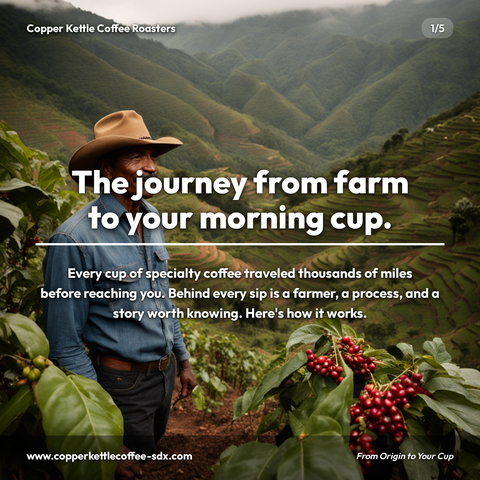
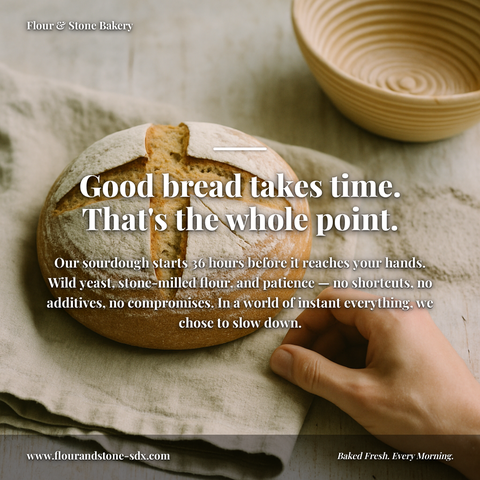

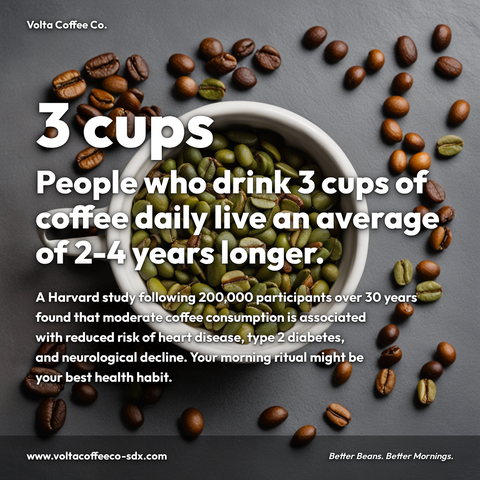


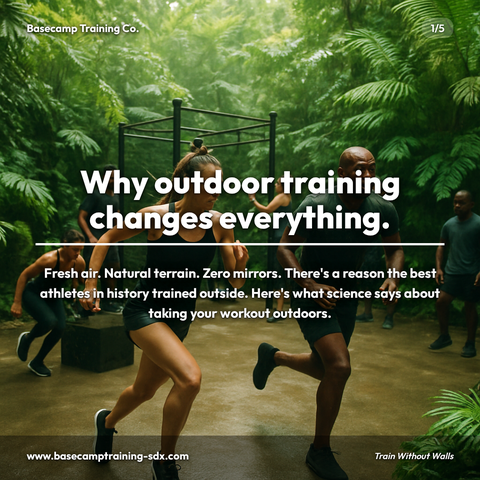
Carousels
5-slide branded PDF, ready to post on LinkedIn and social media.
Branded Graphics
Single eye-catching image with your brand colors and message.
Text Posts
Thought leadership copy, ready to paste and publish.
What is YouTube Shorts Posting social media content?
YouTube Shorts Posting content on LinkedIn refers to carousels, graphics, and thought leadership posts that educate an audience on this subject in a visually branded format. Turn your video carousels into YouTube Shorts with one click — portrait format, royalty-free music, no editing. Publishing consistent content on this topic builds authority with the audiences who care about it most, increasing profile visibility and inbound opportunities over time. LinkedIn carousels (multi-slide swipeable PDFs) are particularly effective for educational topics, allowing complex ideas to be broken into digestible slides. Zvario generates branded youtube shorts posting content in under 2 minutes from a single topic description, complete with captions.
Why YouTube Shorts for Business
YouTube Shorts gets major algorithmic promotion for new creators and businesses. Accounts that post consistently see organic reach that takes years to build on traditional YouTube. The window is open now — and businesses that establish a presence early will have a significant advantage as the format matures.
The Format Problem Is Already Solved
YouTube Shorts requires portrait 9:16 video under 60 seconds. Zvario’s video carousels output exactly this format — automatically, every time. No editing, no conversion, no extra tools. Your content is ready to post the moment it’s generated.
Post in Seconds, Not Hours
Connect your YouTube channel once. After that, every video carousel you create has a ‘Post to YouTube’ button in the Share section. One click and your Short is live with your brand, your message, and your music.
What you can create
- B2B service companies sharing industry tips
- Coaches and consultants publishing short educational clips
- Restaurants and local businesses showcasing behind-the-scenes content
- SaaS and tech companies explaining product features
- E-commerce brands sharing product tips and comparisons
- Marketing agencies demonstrating expertise to attract clients
- Professional services firms building authority with short insights
Sample topics to get started
Frequently asked questions
Do I need video editing experience?
No. Zvario creates the video automatically from your topic and brand. You just click Post. There’s nothing to edit, resize, or convert — the portrait 9:16 format YouTube Shorts requires is generated automatically.
What format does YouTube Shorts require?
Portrait 9:16 video, typically under 60 seconds. Zvario’s video carousels are generated in exactly this format. No conversion or editing is needed before posting.
Can I add music to my YouTube Shorts?
Yes. Zvario adds royalty-free background music to video carousels automatically. You can choose from 20 tracks sorted by mood, or opt for no music if you prefer. The music fades in and out cleanly so your Short sounds polished.
How often should I post YouTube Shorts?
3 to 5 Shorts per week is a strong cadence for growth. Use Zvario’s scheduled content feature to stay consistent: set your schedule once and Zvario creates fresh content on your chosen days, ready for you to approve and send.
Will the content match my brand?
Yes. Every video carousel Zvario generates uses your brand colors, business name, and positioning from your profile. Your Shorts will look and feel like your brand, not generic templates.
What is the fastest way to create content on this topic?
Enter the topic and Zvario returns a finished, branded carousel, graphic, or post in about a minute. You review, adjust wording if you want, and publish.
Is there a free way to try it?
Yes. Zvario gives you 5 free creations with no credit card. Ongoing use is $19.95 a month on Starter for up to 80 creations a week, or $39.99 a month on Pro for up to 130 plus one-click posting.
Explore More
Start posting to YouTube Shorts today
Try it free — no credit card needed.
Start FreeFree to start. See plans and pricing