
LinkedIn Video Content Strategy
Learn what makes LinkedIn video content drive engagement and follows — and how to complement your video strategy with carousels and graphics for maximum reach.
Start FreeFree to start. See plans and pricing
See what Zvario creates
Branded carousels, graphics, and posts, tailored to your message.

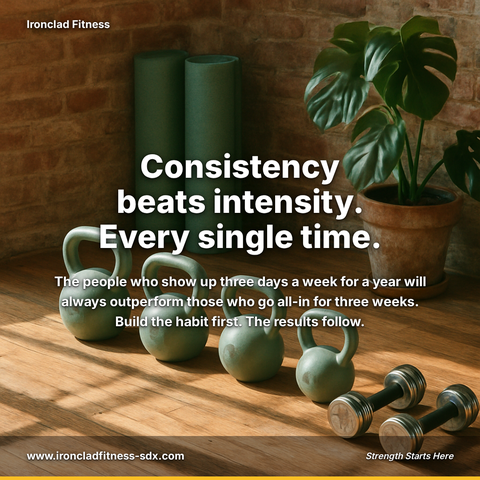
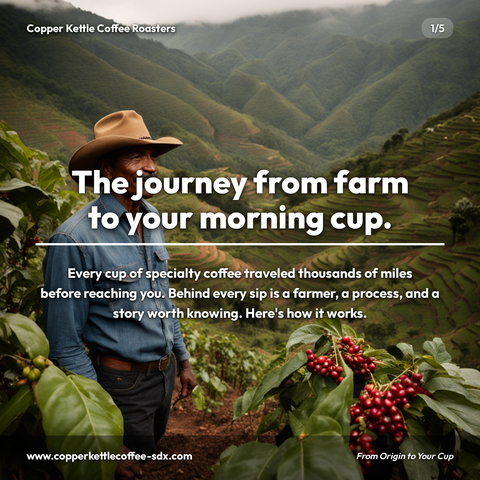




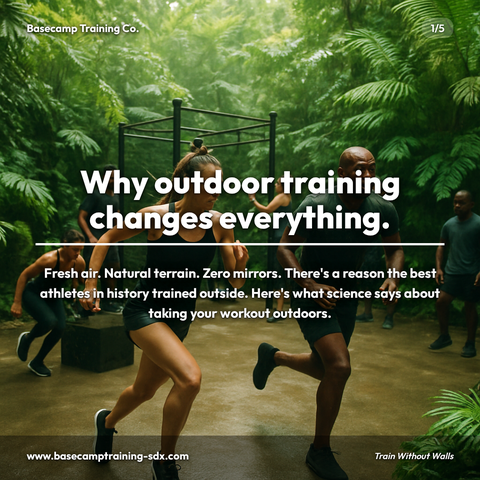
Carousels
5-slide branded PDF, ready to post on LinkedIn and social media.
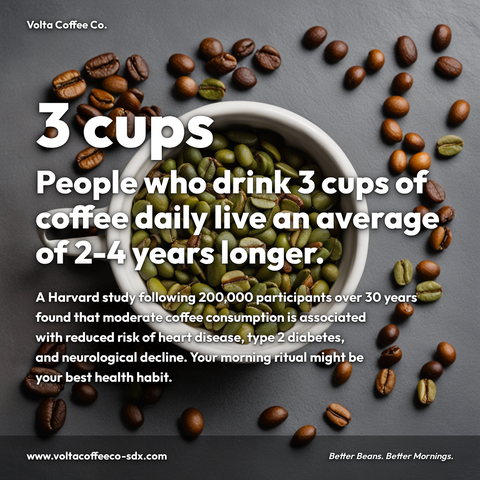
Branded Graphics
Single eye-catching image with your brand colors and message.
Text Posts
Thought leadership copy, ready to paste and publish.
What is LinkedIn Video Content social media content?
LinkedIn Video Content social media content refers to native videos published directly on LinkedIn that drive engagement, establish thought leadership, and move prospects through awareness to consideration stages. This matters for your audience because video content generates significantly higher engagement rates, LinkedIn videos hold a viewer for longer than a block of text, directly impacting your reach, client acquisition, and professional authority. Effective LinkedIn video strategies include 90-second framework explainers paired with carousel reinforcement, weekly industry insight series featuring multiple hosts, and problem-solution video pairs that guide buyers through their decision journey. These formats work because they combine storytelling with educational value, making complex topics accessible while positioning you or your team as visible experts. Rather than creating videos from scratch, Zvario streamlines this entire process by generating polished video content, supporting carousels, and graphics from a single topic input. Zvario generates this content in under 2 minutes from a single topic, enabling you to scale your LinkedIn presence without the production overhead.
LinkedIn video is underutilized — and that's your opportunity
Video represents a small fraction of LinkedIn content but a disproportionate share of organic reach. Native LinkedIn video (uploaded directly, not linked from YouTube) receives preferential algorithmic distribution. Creators who add video to their content mix reach audiences that text and image posts alone don't reach, with native video generating 3-5× more impressions than equivalent YouTube link posts.
The video formats that work on LinkedIn
Short educational videos (60-90 seconds) that deliver a single, specific insight perform best for reach and profile visits. Longer thought leadership videos (3-5 minutes) work better for depth and trust-building with existing followers. The combination of short hook videos and longer substantive content maximizes both reach and depth metrics, with captions on 100% of video content essential due to 80-85% of LinkedIn video being watched muted in professional environments.
Building authority through consistent video publishing
LinkedIn's algorithm rewards consistent posting frequency, and video creators who publish 2-3 times weekly see significantly higher profile authority metrics than monthly publishers. Video builds perceived expertise faster than text because viewers process emotional credibility cues—tone of voice, body language, eye contact—that establish you as an authentic thought leader in your field. Accounts that layer video into their content strategy see 40-60% increases in profile visit-through rates within 60 days.
Video as a lead generation and relationship-building tool
LinkedIn video naturally drives profile visits and conversation, two key indicators that translate into connection requests and direct message conversations. Video posts generate 2.5× more comments than text posts on average, creating extended engagement windows that improve algorithmic distribution. Strategic video content about industry problems, frameworks, or case studies positions you as someone worth connecting with—turning viewers into first-degree connections who see your future content in their feed.
Repurposing video into a multi-channel content system
A single scripted video asset can be broken down into carousel posts, short-form clips for other platforms, LinkedIn article text versions, and email sequences—multiplying the ROI of your scripting and production effort. Teams using Zvario's content planning tools report spending 60% less time on multi-format adaptation because video transcripts automatically seed companion content. This systematic approach to video repurposing transforms one video shoot into 6-8 pieces of distributed content across a monthly strategy.
What you can create
- 90-second framework explainer videos with carousel reinforcement—script the video, repurpose the framework steps as a follow-up carousel post
- Weekly industry insight video series with rotating hosts to establish multiple team members as visible thought leaders
- Problem-solution video pairs (30-60 second pain point + 3-minute solution deep-dive) to move prospects through awareness to consideration
- Customer success story videos (2-3 minutes) with permission-based testimonial clips for credibility building with similar prospect profiles
- LinkedIn Live strategy planning around product launches, industry events, or weekly office hours to drive real-time engagement and follower growth
- Batch video production workflow with monthly scriptwriting sprints, quarterly filming days, and weekly publishing calendar management
- Video performance dashboard tracking which topic areas, video lengths, and posting times generate highest engagement and profile visits in your specific industry
- Executive visibility program using short video bios, quarterly thought leadership videos, and guest appearance strategy across company and personal profiles
Sample topics to get started
Frequently asked questions
Should LinkedIn video have captions?
Always. Most LinkedIn video is watched with sound off, particularly in office and professional environments. Captions ensure your message is delivered regardless of viewing environment and also improve accessibility for hearing-impaired users. When planning captions in Zvario, consider styling them to match your personal brand for better recognition and recall.
Is native LinkedIn video better than sharing YouTube links?
Yes, significantly. LinkedIn's algorithm penalizes external link posts (including YouTube links) with reduced distribution. Native video uploaded directly to LinkedIn receives full algorithmic treatment and typically generates 3-5× more organic reach than the equivalent YouTube link post. This is why building a native-first video strategy on LinkedIn yields faster authority growth than cross-platform sharing approaches.
How often should I post LinkedIn video to see real growth?
Consistency matters more than frequency, but 2-3 video posts per week is the threshold where LinkedIn's algorithm begins treating you as a dedicated video creator and prioritizes your content in followers' feeds. Most professionals see measurable authority and reach gains within 60 days of hitting this cadence. Using Zvario's content calendar feature helps maintain this consistency without last-minute scrambling.
What video length generates the most engagement on LinkedIn?
60-90 second videos optimize for reach and saves, while 3-5 minute videos optimize for depth, comments, and relationship-building. The best strategy uses both: short videos for awareness and reach, longer videos for consideration and trust. Your target audience type matters too—executive audiences often prefer concise 90-second insights, while technical audiences may engage more with 5-minute explanatory content.
How can I track which video topics actually drive value for my goals?
LinkedIn provides native analytics on impressions, clicks, and engagement, but Zvario helps you correlate video performance with your content mix strategy and repurposing efforts. Track which video topics generate the most profile visits and connection requests—these are the early indicators of videos that drive meaningful relationship and lead generation outcomes, not just vanity metrics.
What is the fastest way to create content on this topic?
Enter the topic and Zvario returns a finished, branded carousel, graphic, or post in about a minute. You review, adjust wording if you want, and publish.
Is there a free way to try it?
Yes. Zvario gives you 5 free creations with no credit card. Ongoing use is $19.95 a month on Starter for up to 80 creations a week, or $39.99 a month on Pro for up to 130 plus one-click posting.
Explore More
Complement your video with carousels that drive even more reach
Try it free — no credit card needed.
Start FreeFree to start. See plans and pricing