
LinkedIn Carousel Best Practices
Learn what makes LinkedIn carousels drive follows, saves, and shares — and how to create them consistently without spending hours in design tools.
Start FreeFree to start. See plans and pricing
See what Zvario creates
Branded carousels, graphics, and posts, tailored to your message.

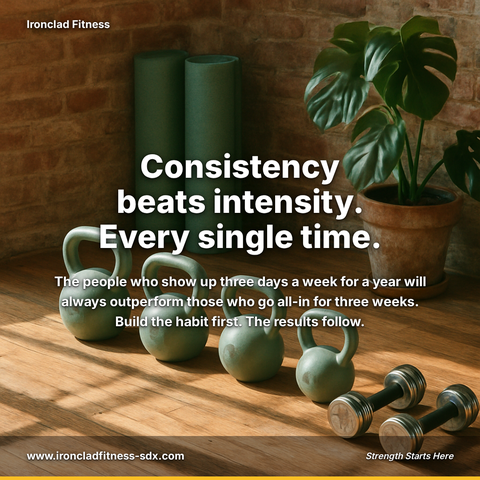
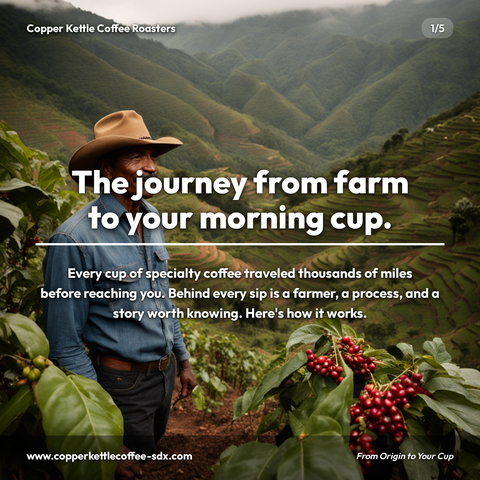
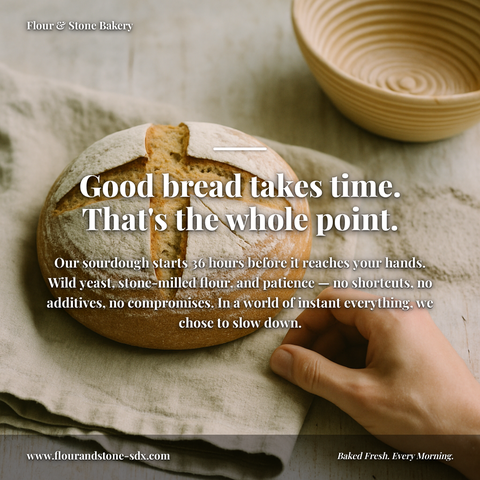

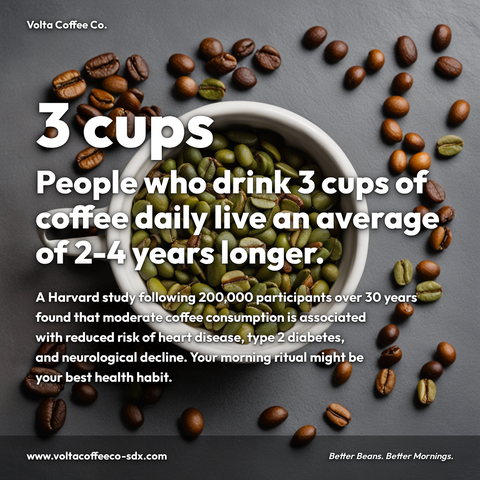


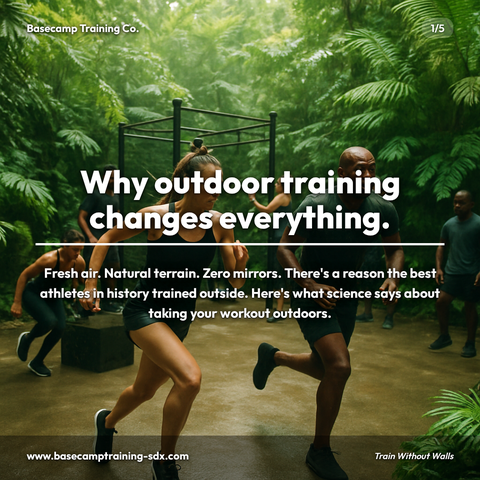
Carousels
5-slide branded PDF, ready to post on LinkedIn and social media.
Branded Graphics
Single eye-catching image with your brand colors and message.
Text Posts
Thought leadership copy, ready to paste and publish.
What is LinkedIn Carousel Best Practices social media content?
LinkedIn Carousel Best Practices social media content refers to multi-slide presentations optimized for LinkedIn's carousel format, designed to deliver valuable insights, processes, or expertise across 6-7 sequential slides that encourage viewers to swipe, save, and share. For professionals building authority and expanding their network, mastering carousel creation directly impacts follower growth, client acquisition, and thought leadership positioning in your industry. LinkedIn carousels carry the detail a caption has no room for, making them essential for anyone serious about content strategy. Effective carousels break down industry research into digestible data visualizations, document step-by-step methodologies that audiences bookmark for later reference, or position you as an expert by addressing common mistakes with quick solutions. The challenge is consistency, creating polished, visually compelling carousels typically demands hours in design tools, which most professionals lack. Tools like Zvario streamline this process by generating carousel-ready content from your ideas. To build sustainable LinkedIn authority without the design burden, Zvario generates this content in under 2 minutes from a single topic.
Why carousels outperform other LinkedIn formats
LinkedIn carousels (PDF documents) consistently generate 3-5× more engagement than static images and outperform text posts on saves and shares. The swipe-through format creates dwell time — a positive signal to the LinkedIn algorithm — and allows you to deliver structured, education-rich content that single images cannot. Carousels also benefit from LinkedIn's native distribution boost, appearing in feeds longer than standard posts and driving higher click-through rates to your profile.
The anatomy of a high-performing carousel
Every great LinkedIn carousel follows a similar structure: a hook slide that stops the scroll, two to three content slides that deliver the promised value, and a final slide with a clear call to action. The hook slide determines whether anyone sees your content; the value slides determine whether they follow you. This structure maximizes both initial engagement and conversion, as viewers understand exactly what they're getting before investing time in the swipe sequence.
Designing carousels for algorithmic visibility and reach
LinkedIn's algorithm prioritizes carousels with high completion rates — meaning most viewers swipe through all slides. To achieve this, use progressive disclosure: each slide should answer a question that the previous slide raised, creating curiosity that compels swiping. Font sizes must be readable on mobile (most LinkedIn users browse on phone), contrast ratios should meet accessibility standards, and each slide should have a single focal point to prevent cognitive overload that causes abandonment mid-carousel.
Building credibility and thought leadership through carousel narratives
Carousels allow you to demonstrate expertise through depth and structure that other formats cannot match. By breaking down complex industry concepts into logical sequences, you position yourself as someone who can simplify and teach, not just share opinions. Case studies, research breakdowns, and step-by-step frameworks all perform exceptionally well as carousels because they showcase your ability to distill knowledge — a core signal of thought leadership that LinkedIn's algorithm rewards with expanded distribution.
Converting carousel engagement into leads and network growth
The final carousel slide is your conversion moment — it determines whether engaged viewers take action (visit your website, connect with you, or message you). Clear CTAs with specific language ('Download my free framework,' 'Connect to discuss,' 'Link in comments') outperform vague ones. Tools like Zvario help you A/B test different CTAs across carousel variations and track which slide sequences generate the highest follower growth and lead capture, turning carousel performance data into recurring content strategies.
What you can create
- Industry insights carousel: break down quarterly market research findings across 6-7 slides with data visualization and key takeaways
- Step-by-step process carousel: document your methodology or workflow in sequential slides that viewers can save and reference later
- Common mistakes carousel: position yourself as expert by listing 5-6 mistakes your audience is making and quick fixes for each
- Career progression roadmap carousel: outline the path from entry-level to leadership with skills and milestones for each stage
- Product feature deep-dive carousel: walk through functionality and use cases for your SaaS or service offering with before/after examples
- Statistics-driven carousel: compile surprising industry data points into a narrative that builds toward a single conclusion or recommendation
- Template and framework carousel: share downloadable or reusable tools (decision trees, assessment rubrics, planning sheets) that solve immediate problems
- Interview or case study carousel: structure key insights from a client success story or expert conversation into findings and lessons learned
Sample topics to get started
Frequently asked questions
How many slides should a LinkedIn carousel have?
Five to eight slides is the optimal range for most professional content. Short enough to complete in under two minutes, long enough to deliver real value. Carousels under four slides feel incomplete; carousels over ten slides see significant drop-off before the final slide. Tools like Zvario let you test different slide counts and track completion rates to find what resonates with your specific audience.
What makes a great LinkedIn carousel hook slide?
The hook slide should make a specific promise or claim that is both interesting enough to read and clear enough that the viewer knows what they'll learn by swiping through. Vague hooks ('5 tips for success') underperform specific hooks ('The 5-slide carousel structure that generates 10× more saves'). Your hook should address a real pain point or curiosity gap that compels immediate action.
Should carousel slides include branding or stay minimal?
Consistent branding across all slides builds recognition and professionalism, but should never compete with readability. Use a consistent color palette, font family, and logo placement (typically bottom-right corner) across the carousel series. Zvario's brand kit templates ensure consistency without requiring manual formatting on each slide, so your carousels maintain visual coherence while keeping focus on the message.
What's the difference between a carousel that gets views and one that gets conversions?
High-view carousels hook attention and deliver value; high-conversion carousels do both plus include a specific, friction-free call to action on the final slide. Include a clickable link, a clear invitation to connect, or a direct instruction ('Reply 'yes' for the template'). Test different CTAs using Zvario's performance analytics to see which language and format drives followers, profile visits, and messages from your target audience.
How often should I post carousels versus other LinkedIn content formats?
One carousel per week is sustainable for most professionals while maintaining feed diversity — mix in articles, text posts, and native video to avoid algorithm penalties for repetitive format use. However, if your audience engages heavily with carousels (high saves and shares), you can increase frequency. Track your carousel performance metrics in Zvario to identify your optimal posting cadence and format mix for consistent reach and engagement growth.
What is the fastest way to create content on this topic?
Enter the topic and Zvario returns a finished, branded carousel, graphic, or post in about a minute. You review, adjust wording if you want, and publish.
Is there a free way to try it?
Yes. Zvario gives you 5 free creations with no credit card. Ongoing use is $19.95 a month on Starter for up to 80 creations a week, or $39.99 a month on Pro for up to 130 plus one-click posting.
Explore More
Create high-performing carousels in minutes
Try it free — no credit card needed.
Start FreeFree to start. See plans and pricing