
LinkedIn Carousel Maker
Enter a topic, get a branded 5-slide carousel ready to download and post on LinkedIn. No templates, no design tools, no fiddling with slides.
Start FreeFree to start. See plans and pricing
See what Zvario creates
Branded carousels, graphics, and posts, tailored to your message.

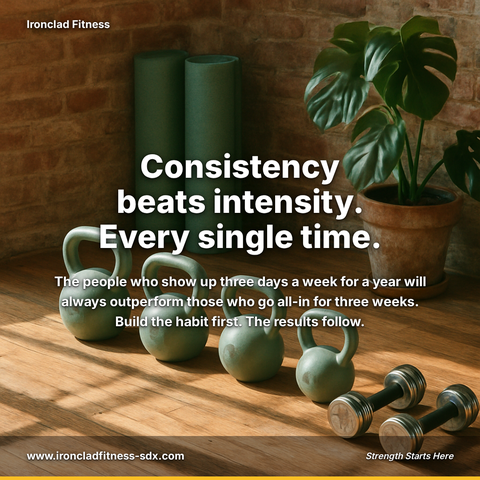
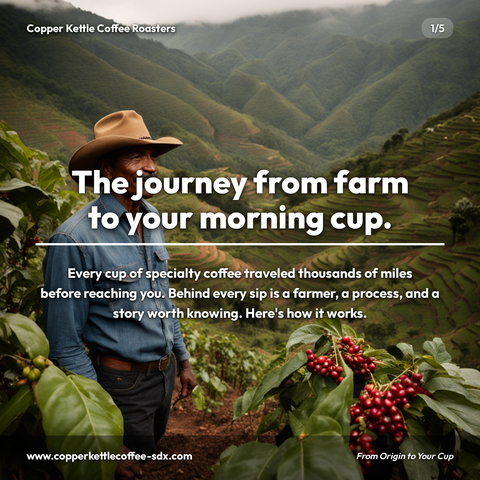
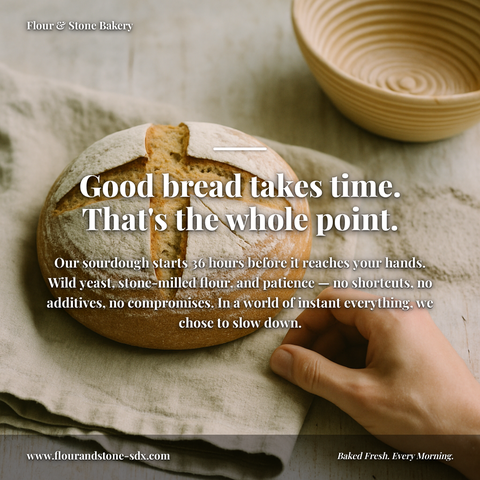

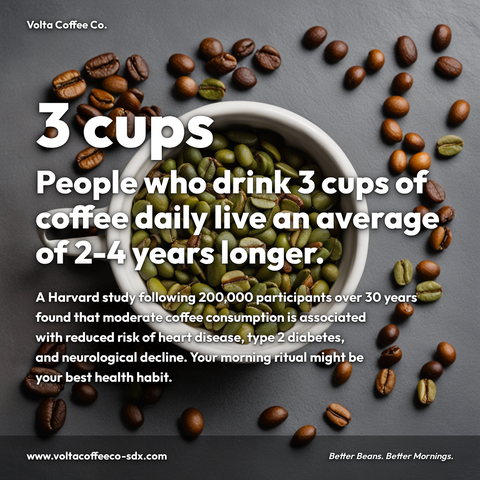


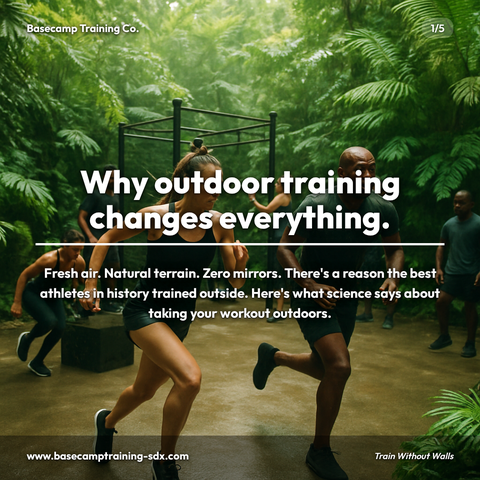
Carousels
5-slide branded PDF, ready to post on LinkedIn and social media.
Branded Graphics
Single eye-catching image with your brand colors and message.
Text Posts
Thought leadership copy, ready to paste and publish.
What is LinkedIn Carousel Maker social media content?
LinkedIn Carousel Maker social media content refers to multi-slide presentations designed specifically for LinkedIn's carousel format, created instantly from a single topic without requiring design skills or template selection. For professionals and content creators, this matters because carousels get saved and re-read in a way single images rarely are, directly amplifying your thought leadership visibility and client reach. These carousels work best for weekly industry trend analysis, educational how-to guides, and competitive benchmarking breakdowns, the exact content that builds authority with your core audience. Rather than juggling design tools or wrestling with slide layouts, you input your topic and receive a fully branded, downloadable 5-slide carousel ready to post. Zvario generates this content in under 2 minutes from a single topic, eliminating design friction so you can focus on consistent, high-performing LinkedIn content that drives career growth and business results.
How it works
Type a topic or paste an idea into Zvario, and the platform generates a complete 5-slide carousel in under 60 seconds. Zvario writes compelling, scannable content optimized for LinkedIn's document format, selects a visual style aligned with your brand guidelines, generates a custom background image, and delivers a polished PDF. No design software, no templates to customize, no manual editing. Connect your accounts and publishing the finished post takes one click once you have looked it over, or download the PDF and upload it to LinkedIn as a document post yourself.
Why carousels dominate LinkedIn engagement
LinkedIn carousels (PDF document posts) earn a second look because each slide answers the one before it, and they pick up shares and click-throughs long after posting. The swipe-through format creates extended dwell time—a critical signal the LinkedIn algorithm uses to determine feed distribution and reach. Each slide is an opportunity for viewers to react, comment, or save, compounding your visibility across connections' feeds. By posting carousels consistently, you build momentum in the algorithm, making each subsequent post reach a wider audience without relying on paid promotion.
Build thought leadership without the writing burden
Carousels are the preferred format for establishing authority on LinkedIn because they allow you to break down complex ideas into digestible, visually distinct sections. Zvario removes the friction by handling the research, outlining, writing, and design—you just provide the topic or expertise angle. The result reads like curated, well-researched thought leadership content, positioning you as a go-to voice in your industry without the hours typically spent writing and designing.
Your brand voice, automatically applied
During initial setup, you describe your business, target audience, tone of voice, and brand preferences to Zvario. Every carousel generated afterward is tailored to those specifications—your colors, your vocabulary, your perspective. Whether you're a formal B2B consultant or a casual growth marketer, Zvario learns your brand personality and applies it consistently, so each carousel feels like it came from your marketing team, not a generic template builder.
Convert carousel views into leads and connections
LinkedIn carousels create multiple engagement touchpoints that naturally lead to profile visits, message requests, and LinkedIn connection adds. By positioning yourself as a helpful resource through educational or trend-focused carousels, you attract qualified professionals interested in your expertise. Zvario helps you publish consistently—the key to building a recognizable presence that converts LinkedIn visibility into meaningful professional relationships and business opportunities.
What you can create
- Weekly thought leadership carousels on industry trends and market shifts
- Educational 'how-to' and best-practice tip carousels for your core audience
- Competitive analysis and industry benchmarking breakdowns
- Client case studies and success story highlights with metrics
- Product feature spotlights and release announcements
- Common mistakes and solutions in your field (problem-solution format)
- Career development and professional skills coaching carousels
- Market research findings and data-driven insights from your domain
Sample topics to get started
Frequently asked questions
How long does it actually take to create a LinkedIn carousel with Zvario?
About 60 seconds from start to finish. You enter your topic or idea, click 'Create', and Zvario generates the full 5-slide carousel with writing, branded visuals, and a custom background image. Connect your accounts and it posts in one click, or download the PDF and upload it to LinkedIn yourself. Either way there is no editing, revising, or design work required.
Do I need design experience or special software?
No. Zvario handles everything—content writing, layout design, visual styling, and image generation. You just type a topic. The carousel is delivered as a branded PDF that matches your company colors, tone, and visual identity automatically.
How does Zvario ensure each carousel matches my brand?
During signup, you provide details about your business, audience, tone of voice, and brand preferences. Zvario uses this profile information to apply your brand personality and visual style to every carousel it generates. You maintain consistency without manual customization—each post looks like it came directly from your marketing team.
Can I test Zvario for free before committing?
Yes. You get 5 free carousel creations with no credit card required. Sign up, fill out your brand profile, and start generating immediately. You'll see firsthand how Zvario tailors content to your voice and business.
What's the posting process on LinkedIn after I generate a carousel?
Connect your LinkedIn account once, then open the finished carousel on your Zvario dashboard, choose your platforms, and send it. The caption goes with it. If you would rather post it yourself, download the PDF and upload it to LinkedIn as a document post.
What is the fastest way to create content on this topic?
Enter the topic and Zvario returns a finished, branded carousel, graphic, or post in about a minute. You review, adjust wording if you want, and publish.
Is there a free way to try it?
Yes. Zvario gives you 5 free creations with no credit card. Ongoing use is $19.95 a month on Starter for up to 80 creations a week, or $39.99 a month on Pro for up to 130 plus one-click posting.
Explore More
Create your first LinkedIn carousel in 60 seconds
Try it free — no credit card needed.
Start FreeFree to start. See plans and pricing