
The Best Canva Alternative for Copywriters
Canva is a design tool. Zvario is a content engine built specifically for writers and content creators who want LinkedIn carousels, branded graphics, and posts without spending hours designing from scratch.
Start FreeFree to start. See plans and pricing
See what Zvario creates
Branded carousels, graphics, and posts, tailored to your message.

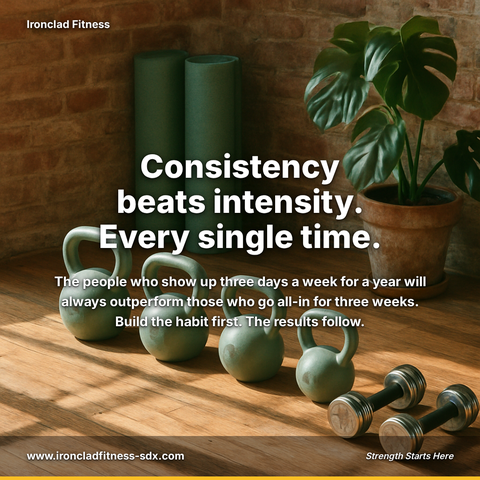
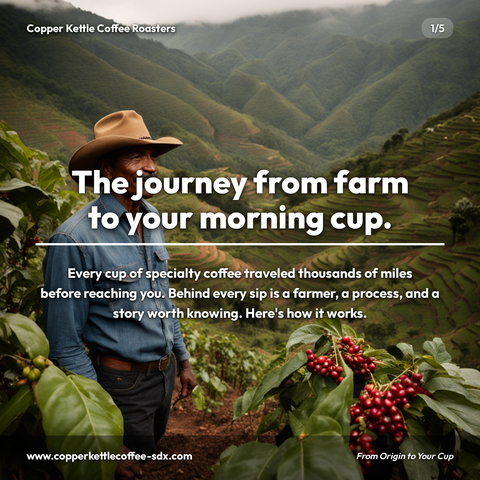
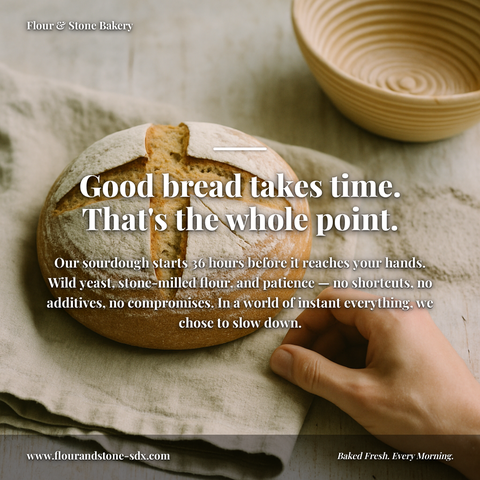

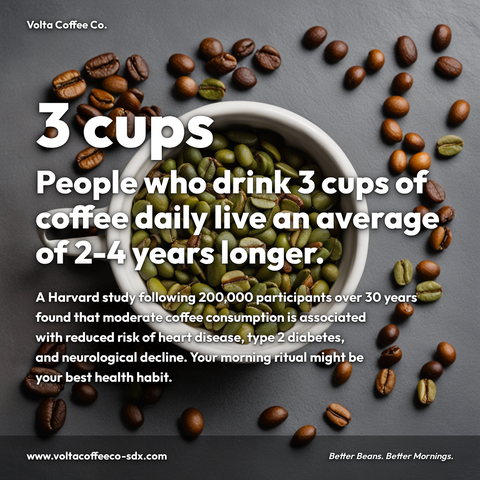


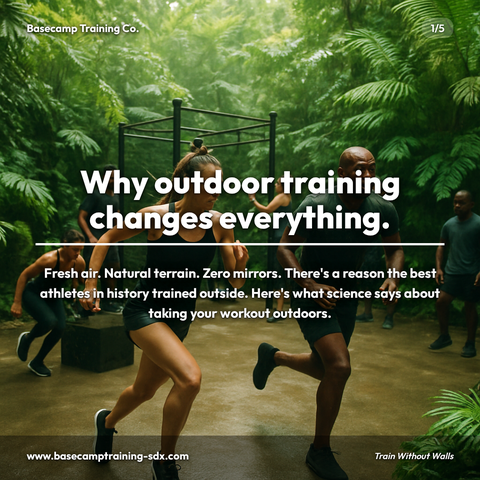
Carousels
5-slide branded PDF, ready to post on LinkedIn and social media.
Branded Graphics
Single eye-catching image with your brand colors and message.
Text Posts
Thought leadership copy, ready to paste and publish.
What is Canva Alternative for Copywriters social media content?
Canva Alternative for Copywriters social media content refers to professionally designed graphics, carousels, and branded posts created specifically for writers and content creators who lack design skills or time. This matters because your authority and client perception depend on consistent, polished visual content, LinkedIn carousels let one idea build slide by slide rather than land all at once, yet most copywriters either skip them or waste hours in design tools. Rather than wrestling with Canva templates, a purpose-built solution lets you transform copywriting frameworks, lead magnets, and sales strategies into visually cohesive posts with your brand colors and logo applied automatically. You can create story-format carousel decks teaching audience-building tactics or single-image graphics for tips and industry insights that actually stand out in feeds, the content your niche expects from a credible authority. Zvario generates this content in under 2 minutes from a single topic.
Why copywriters struggle with traditional design tools
Design platforms force you into a workflow built for designers, not writers. You spend 30-60 minutes per post hunting for templates, swapping placeholder text, adjusting font sizes, and manually applying brand colors—work that pulls you away from what you do best: writing. The result is polished visuals, but they feel generic because thousands of other creators used the same template. For copywriters launching LinkedIn strategies or building personal brands, this friction means fewer posts shipped and less content momentum.
The copywriter's content visibility problem
Consistent, branded content builds credibility and reaches more of your target audience. But maintaining visual consistency across carousels, single-image posts, and story graphics requires either hiring a designer or learning design tools yourself. Most copywriters choose neither, defaulting to text-only posts that get buried in LinkedIn feeds. Zvario closes this gap by generating on-brand visuals automatically, so every post you publish reinforces your professional identity without design bottlenecks.
How Zvario builds thought leadership automatically
Zvario learns your business, audience, and voice—then generates complete LinkedIn carousels and branded graphics that position you as an authority in your niche. Instead of starting with a blank canvas, you start with your brand context. The platform writes the copy, designs the visuals, and applies your colors and logo in under 60 seconds. This means you can batch-create weeks of thought leadership content in one session, maintaining a consistent posting cadence that algorithms reward and audiences notice.
Scaling content without sacrificing your voice
Many copywriters avoid content batching because it requires managing multiple platforms and design files. Zvario flips this: the more you batch, the more efficient the system becomes, because your brand tailoring compounds with each new post. Generate 10 carousels in an afternoon—all in your voice, all branded, all ready to publish. No exporting between tools, no version control nightmares, no loss of voice consistency across pieces.
From content idea to published post in minutes
The full cycle—from topic selection to design to final export—now takes under 60 seconds with Zvario. This speed removes procrastination from the content creation process. Copywriters report actually publishing more frequently because the friction is gone. Whether you're generating weekly LinkedIn carousels, building a portfolio of case studies, or launching a content calendar, Zvario's efficiency means your ideas reach your audience faster and more consistently than they ever could with traditional design tools.
What you can create
- LinkedIn carousel posts about copywriting frameworks, lead magnets, and sales strategies—with your brand colors and logo applied automatically
- Single-image post graphics for copywriting tips, industry insights, and educational content that stand out in feeds
- Story-format carousel decks teaching audience-building tactics or email marketing strategies to your niche
- Case study graphics showcasing client results, testimonials, and conversion improvements—formatted for LinkedIn and repurposing across social
- Weekly newsletter teaser graphics promoting your content to LinkedIn followers with consistent branding
- Thought leadership carousel posts on personal branding, content strategy, and copywriting psychology for cold outreach
- Educational carousel series (5-10 part sequences) on topics like copywriting fundamentals, funnel optimization, or AI in marketing
- Personal brand announcements, milestones, and professional wins—packaged as visually consistent, shareable posts
Sample topics to get started
Frequently asked questions
How does Zvario's brand tailoring work for copywriters?
You provide your business name, website, target audience, and preferred tone once during setup. Zvario stores this context and applies it to every post you create. This means each carousel, graphic, and piece of copy reflects your specific voice and positioning—not a generic template. Your brand colors and logo are applied automatically too, so everything looks intentionally designed rather than cobbled together from different sources.
Can I edit the copy and design after Zvario generates it?
Absolutely. Zvario generates finished content that's ready to publish immediately, but you own the output completely. Export as PNG, PDF, or Figma file and edit as needed. Many users publish as-is because the quality is high, but others use Zvario as their starting point and refine further. The platform saves you the heavy lifting—design and initial copywriting—so your edits are usually minor tweaks, not overhauls.
How is Zvario different from using a design template library in other tools?
Template libraries give you layouts and placeholders; you fill in the blanks. Zvario works backwards: you describe your topic or paste your idea, and the platform generates original copy, applies your brand tailoring, and designs everything as one cohesive piece. You're not adapting your content to fit a template shape—Zvario shapes the design around your message and brand. The result is personalized, not generic.
What if I already have a design system or brand guide?
Upload your brand colors, fonts, and logo during onboarding, and Zvario applies them consistently across every post. If you have specific design preferences beyond colors and logo, you can export to Figma or another tool for refinement. Most copywriters find that Zvario's default design choices work well, especially when brand tailoring is set up correctly. Your brand guide informs the output—you're not locked into preset designs.
Is Zvario built specifically for LinkedIn, or can I use it for other platforms?
Zvario specializes in LinkedIn carousels and branded graphics that perform well on LinkedIn, but you can export and repurpose content across Instagram, Twitter, email, and blog headers. The carousel format works everywhere; single-image posts are platform-agnostic. If you're a copywriter building a multi-platform presence, Zvario handles your LinkedIn-first strategy and gives you assets you can adapt for anywhere else.
Explore More
See why Copywriters choose Zvario over Canva
Try it free — no credit card needed.
Start FreeFree to start. See plans and pricing