
The Best Canva Alternative for Architects
Canva is a design tool. Zvario is a content engine built specifically for architecture and design firms who want LinkedIn carousels, branded graphics, and posts without spending hours designing from scratch.
Start FreeFree to start. See plans and pricing
See what Zvario creates
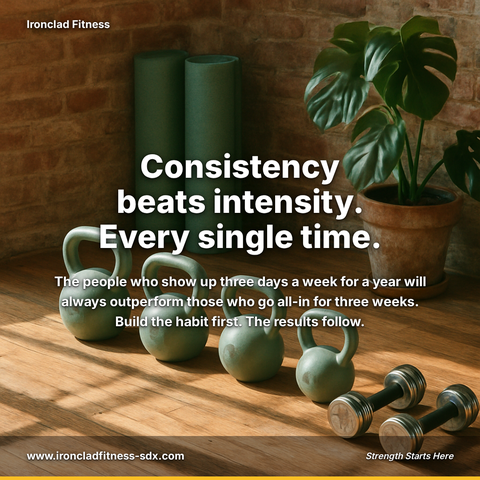
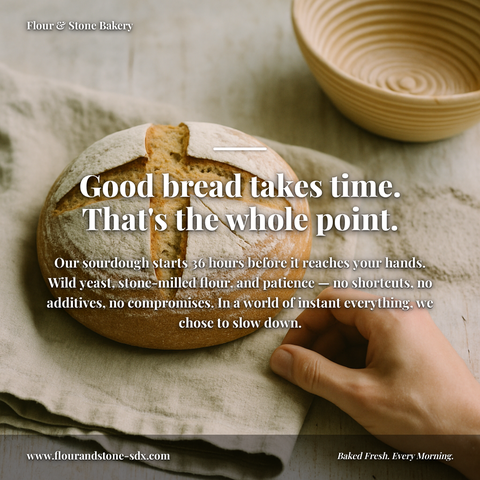
Branded carousels, graphics, and posts, tailored to your message.
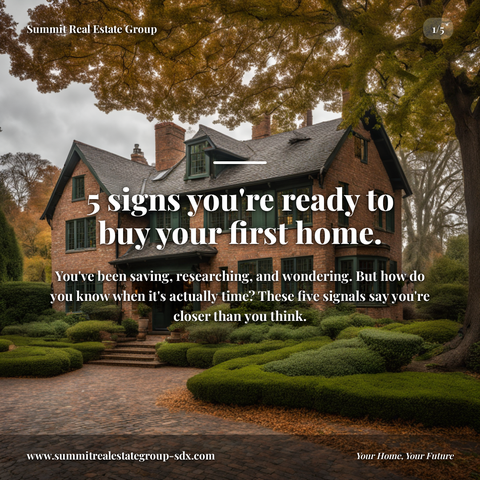
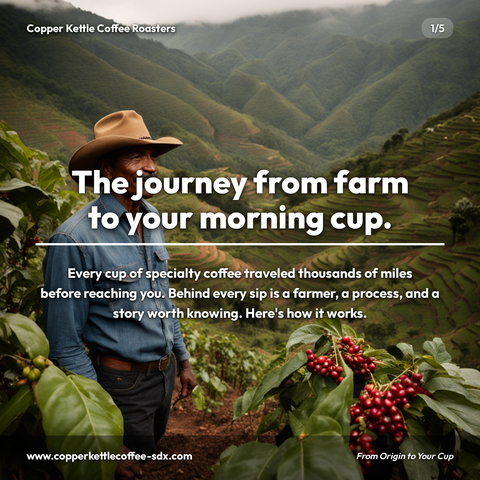

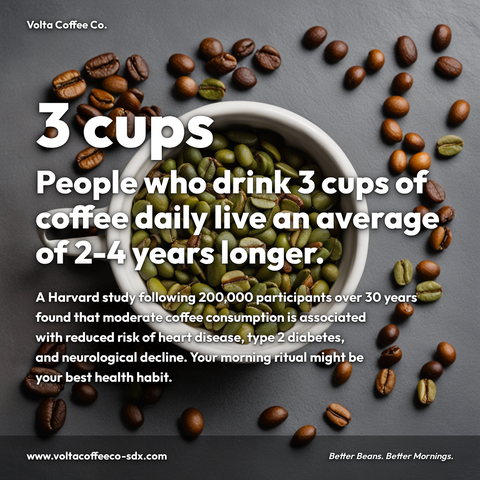


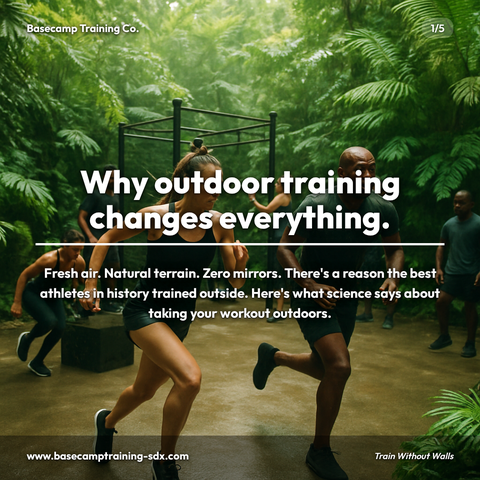
Carousels
5-slide branded PDF, ready to post on LinkedIn and social media.
Branded Graphics
Single eye-catching image with your brand colors and message.
Text Posts
Thought leadership copy, ready to paste and publish.
What is Canva Alternative for Architects social media content?
Canva Alternative for Architects social media content refers to professionally designed LinkedIn carousels, branded graphics, and project showcase posts created specifically for architecture and design firms, eliminating the need for manual design work or expensive design tools. This matters because architects face a critical challenge: establishing thought leadership and winning clients on LinkedIn requires consistent, visually cohesive content, yet most firms lack in-house designers or have limited time to create posts from scratch. LinkedIn carousels slow a reader down for the length of an explanation, making them essential for visibility, yet traditional design tools like Canva require hours of customization for architecture-specific content. A specialized alternative tailored for architects addresses this gap by enabling firms to create sustainable design case studies, completed project highlights, and emerging trend discussions, all with branded colors, logos, and professional layouts, without design expertise. Zvario generates this content in under 2 minutes from a single topic, allowing architects to maintain consistent social presence and build authority without sacrificing billable hours to design.
What Canva can't do for architects
Canva gives you blank templates. You still have to write the content, choose the layout, apply your brand colors, and export in the right format. For architecture and design firms with limited time, that process still takes 30-60 minutes per post — and the result often looks generic because it came from a shared template library. Canva also doesn't understand your business, your audience, or your brand voice.
What Zvario does differently
Zvario starts with your brand — your company name, website, audience, and tone. Then it generates the written content, the design, and the image in one step. The result is a LinkedIn carousel or branded graphic that reflects your specific business, not a template that any architecture and design firm in the world could use. No design skills required. No blank-page frustration. Just finished content in under 60 seconds.
Build visibility without a full-time marketing team
Most architects don't have in-house content creators or social media managers. Zvario closes that gap by letting you generate 5-10 polished LinkedIn posts in the time it takes to review one in a design tool. Your firm stays visible to clients and prospects without hiring another person. Each post carries your brand identity, builds authority, and drives engagement without requiring design experience or marketing copywriting skills.
Establish thought leadership with consistent, on-brand content
Architects and design leaders need a platform to share insights — but generic posts don't build credibility. Zvario generates thought leadership content written in your voice, featuring your expertise, and designed with your brand colors and logo. Whether you're sharing project lessons, industry trends, or design philosophy, every post reinforces who you are and what you stand for. Consistency across dozens of posts builds the credibility that wins clients and attracts talent.
Generate qualified leads by staying top-of-mind
LinkedIn is where architects find clients and clients find architects. Regular, high-quality posts keep your firm visible in feeds and search results. Zvario lets you batch-create content weeks in advance, so you can maintain a steady posting schedule without daily effort. More posts mean more visibility, more engagement, and more inbound inquiries from prospects who recognize your expertise.
What you can create
- LinkedIn carousels on sustainable design practices with your firm's case studies and brand colors
- Single-image posts showcasing completed projects with design insights and your logo watermark
- Thought leadership carousels on emerging architectural trends, interior design software, or building codes
- Weekly design tips or project management lessons tailored to your firm's specialization (residential, commercial, hospitality)
- Behind-the-scenes content about your design process, team culture, and office projects
- LinkedIn story graphics promoting webinars, firm announcements, or new service offerings
- Content batches (10+ posts at once) for quarterly campaigns or new service launches
- Consistent branded graphics across Instagram and LinkedIn without duplicating design work
Sample topics to get started
Frequently asked questions
Is Zvario actually better than Canva for architects?
They solve different problems. Canva is a flexible design tool for anyone who wants to build visuals from scratch. Zvario is purpose-built for architecture and design firms who want finished LinkedIn content fast — with the writing, design, and branding handled automatically. If you're already spending 30+ minutes per post in Canva, Zvario is faster by design and tailored to your industry.
Can I use Zvario if I'm already comfortable with Canva?
Yes. Many users come from design tools and find the switch straightforward. Zvario handles the parts that slow you down — content writing and brand tailoring — while generating a polished finished product in seconds. You can always export and do final touch-ups in other tools if needed, but most users find the results are ready to post.
How does Zvario learn my brand if it's my first time using it?
When you set up your profile, Zvario asks for your firm name, website, target audience, and brand tone. It uses this information to generate content that sounds like you and looks like your brand — with your colors, logo, and voice built into every post. You can refine these details anytime, and Zvario gets smarter with each post you create.
Can I create content for multiple architecture firms or specialties?
Yes. You can set up separate branded profiles within Zvario — one for residential architecture, another for commercial design, or separate accounts for different firms. Each profile maintains its own brand guidelines, voice, and content history, so you can manage multiple brands without mixing content or losing brand consistency.
What formats does Zvario export to, and will it work with my LinkedIn scheduler?
Zvario exports carousels and graphics as high-resolution images and PDFs that work with LinkedIn's native scheduler, Buffer, Later, and other management tools. You can schedule posts weeks in advance or post immediately. All exports include your logo and brand colors, ready to go without additional design work.
Explore More
See why Architects choose Zvario over Canva
Try it free — no credit card needed.
Start FreeFree to start. See plans and pricing