
LinkedIn Content for Motion Designers
LinkedIn content that builds your creative reputation and attracts brands who need compelling motion work.
Start FreeFree to start. See plans and pricing
See what Zvario creates
Branded carousels, graphics, and posts, tailored to your message.
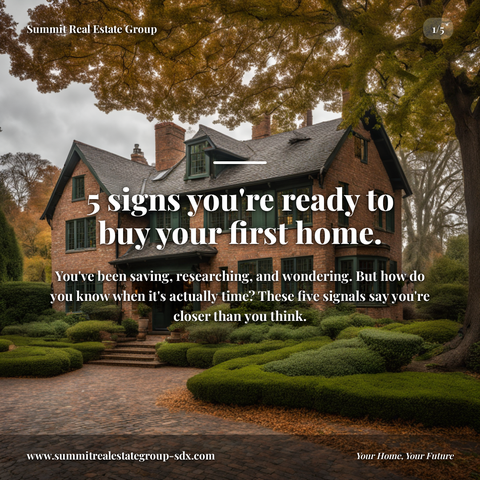
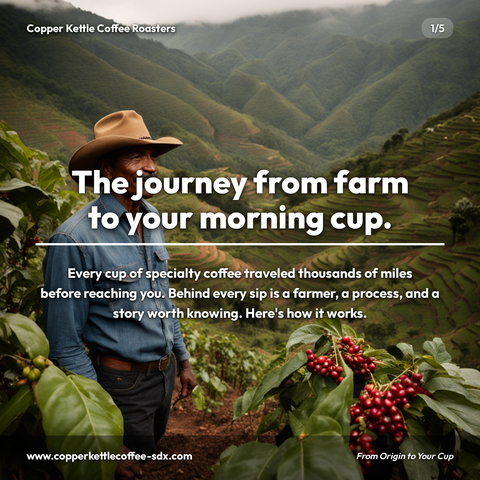

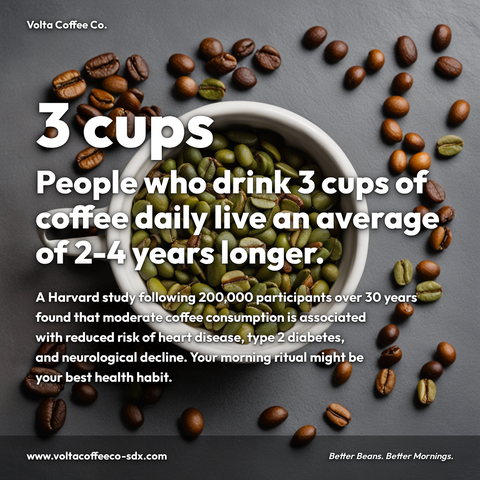

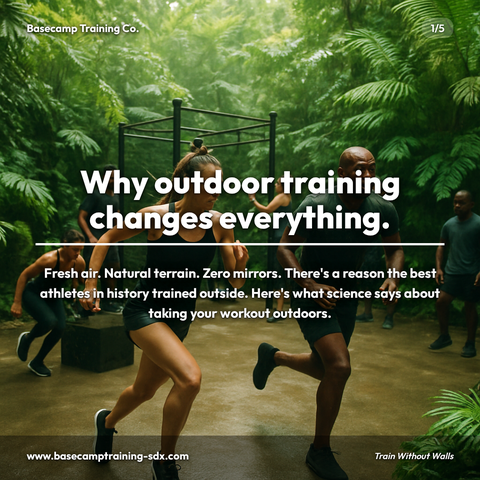
Carousels
5-slide branded PDF, ready to post on LinkedIn and social media.
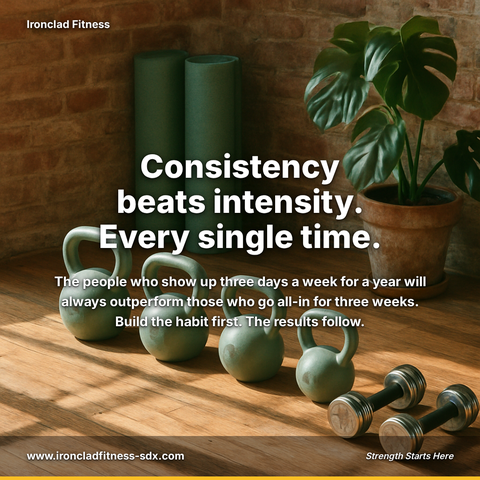
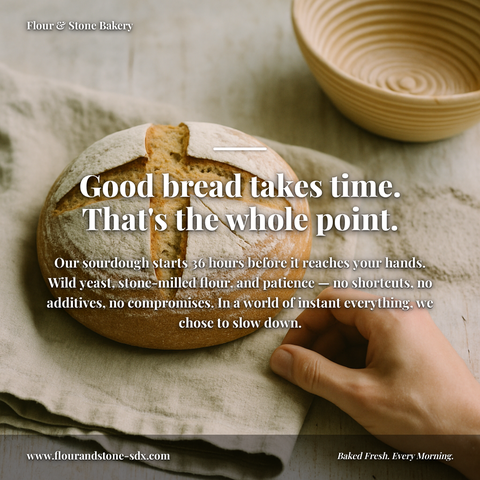
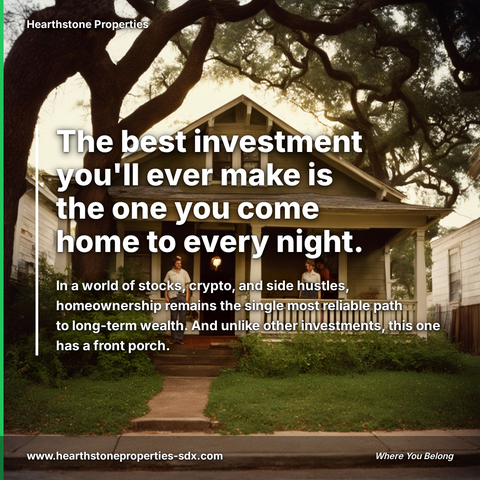
Branded Graphics
Single eye-catching image with your brand colors and message.
Text Posts
Thought leadership copy, ready to paste and publish.
What is Motion Designers social media content?
Social media content for Motion Designers refers to LinkedIn posts, carousels, and visual breakdowns that showcase your animation expertise, creative process, and technical knowledge to attract brands seeking compelling motion work. This matters because motion designers compete on reputation and portfolio visibility, strong social proof directly influences client acquisition, project rates, and industry authority. Top-performing content includes carousel breakdowns of your animation pipeline (storyboard through final render), technical deep-dives on software workflows, and visual explainers demonstrating animation principles like anticipation and easing curves. LinkedIn carousels walk a reader through a point step by step instead of asserting it, making them ideal for demonstrating your process and building credibility. Rather than spending hours manually creating captions, editing images, and designing layouts, motion designers can leverage tools like Zvario to streamline production. Zvario generates this content in under 2 minutes from a single topic, allowing you to maintain consistent posting schedules and focus on what matters most: your craft.
Motion Designers Build Authority Through Consistent Process Transparency
Decision-makers sourcing motion work—creative directors, brand strategists, and in-house producers—follow designers who openly share their creative methodology and technical decisions. Regular content that breaks down your animation process, explains keyframe optimization, and discusses motion design principles keeps you visible and credible when budgets are allocated. The designers who document their thinking attract higher-caliber briefs because clients can already envision collaboration with someone this articulate about craft.
Educational Content Generates More Qualified Leads Than Portfolio Reels Alone
Motion designers who teach—sharing rigging techniques, animation timing principles, rendering optimization, or software workflows—consistently receive more inbound project inquiries than those who only post finished work. Audiences that follow educators are typically sophisticated buyers: creative teams, agencies, and brands with meaningful budgets who recognize that someone skilled enough to teach is skilled enough to execute their vision. This content positions you as a thought leader rather than just a vendor.
Niche Expertise in Motion Design Commands Premium Rates and Better Briefs
Specializing your content around a specific motion design discipline—3D character animation, kinetic typography, motion graphics for SaaS, or data visualization—attracts clients seeking exactly that expertise. When your LinkedIn presence demonstrates deep knowledge in a particular vertical or technique, you filter for higher-value opportunities and eliminate scope creep from mismatched projects. Clients who find you through specialized content understand your value immediately.
Networking With Creative Decision-Makers Accelerates Referral Opportunities
Motion designers who engage thoughtfully with creative directors, brand managers, and production leads build relationships that generate referrals and repeat work. Commenting substantively on industry conversations, sharing insights about motion design trends, and participating in creative communities positions you as someone worth introducing to others. These network effects compound over time, turning your LinkedIn presence into a referral engine.
Case Study Content Bridges the Gap Between Inspiration and Hiring
Detailed case studies that show the creative challenge, your approach, technical decisions, and measurable results (improved engagement, faster comprehension, brand recall) give potential clients concrete evidence of your impact. Rather than just showing the final animation, explaining why you chose specific motion curves, color timing, or animation pacing demonstrates the strategic thinking that justifies premium fees. This narrative-driven content converts engaged followers into qualified prospects.
What you can create for Motion Designers
- Carousel breakdowns of your animation process: storyboard → animatic → blocking → polish → final render
- Technical deep-dives on motion design software: 'Why I switched 40% of my workflow to procedural animation' or 'GPU rendering vs. CPU rendering for client deadlines'
- Animation principle applications: visual explainers showing how anticipation, overlapping action, or easing curves improve broadcast or digital animations
- Case study posts with before/after and metrics: 'This explainer animation increased demo signups 45%—here's how we designed for clarity'
- Trend analysis content: 'Why minimalist motion is replacing over-designed animations in 2024 brand work'
- Tool comparison guides: realistic assessments of when to use 3D vs. 2D, or when motion capture makes sense vs. hand animation
- Client brief teardowns: anonymized examples of how you translated vague creative briefs into specific animation directions
- Behind-the-scenes studio insights: time-lapse rendering, workflow optimization tips, or how you organized assets for a complex multi-scene project
Sample topics to get started
Frequently asked questions
How do I create consistent motion design content without spending 10 hours per week on posting?
Use Zvario to batch-create carousel content from one process breakdown or technical insight—the platform helps you tailor individual posts to different audience segments (agencies vs. direct brands) without starting from scratch. Document your work naturally, and Zvario generates multiple angles of that single case study or technique to maintain consistency.
Should my content target agencies, in-house creative teams, or freelance-friendly brands?
LinkedIn reaches all three, but your messaging should differ slightly. Zvario's brand customization feature lets you adjust tone and emphasis: position yourself as a specialized partner for agencies, a reliable extension of in-house teams for corporate clients, and a flexible collaborator for smaller brands. The platform helps you speak to each group without managing separate accounts.
My work is primarily confidential—how can I share process without violating NDAs?
Focus on anonymized case studies (results, approach, and techniques without revealing the brand), process breakdowns using dummy projects, and technical tutorials that don't reference specific clients. Zvario helps you extract teaching moments from your work—motion curves, color strategy, timing decisions—without exposing client details, making your expertise visible while protecting confidentiality.
How do I demonstrate technical skill without making content too niche for decision-makers?
Balance technical posts with outcome-focused ones. Share a detailed rigging breakdown for fellow designers, then follow it with 'How Better Rigging Reduced Client Revision Rounds by 50%' for creatives and producers. Zvario's content planning helps you alternate between educator-to-educator content and decision-maker-focused narrative, keeping your audience engaged across skill levels.
What if I work across multiple motion design disciplines—do I need separate content for each?
No. Position yourself as a versatile motion designer and tailor content to show depth across disciplines. Zvario lets you create themed series (Character Animation Month, Data Viz Deep Dives) that showcase different specialties while maintaining one coherent brand. You can emphasize different skills to different audiences without fragmenting your presence.
How much does branded social media content cost with Zvario?
Zvario is free to start with 5 creations and no credit card. Starter is $19.95 a month for up to 80 creations a week, and Pro is $39.99 a month for up to 130 plus one-click posting to your connected accounts. There are no per-piece design fees, so cost stays predictable as you post more.
How long does it take to make one branded post?
About a minute of your time. You enter a topic, Zvario returns a finished branded carousel, graphic, or post, and you review and publish. No design tool, no template hunting.
Explore More
Build your motion design business on LinkedIn
Try it free — no credit card needed.
Start FreeFree to start. See plans and pricing