
Weekly Posts for Your Google Business Profile
Keep your business listing fresh with branded weekly posts you review and publish.
Start FreeFree to start. See plans and pricing
See what Zvario creates
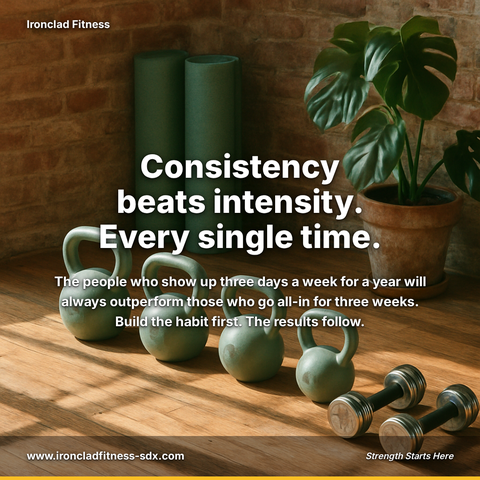
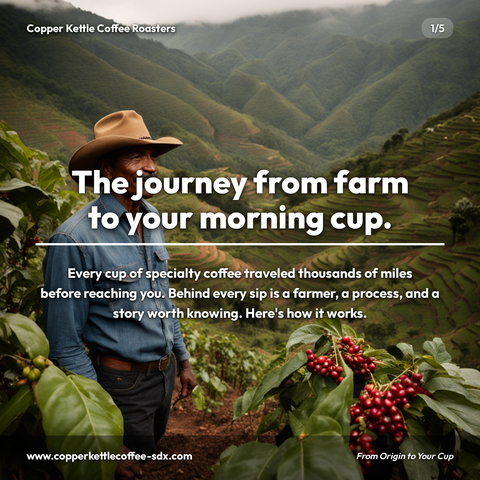
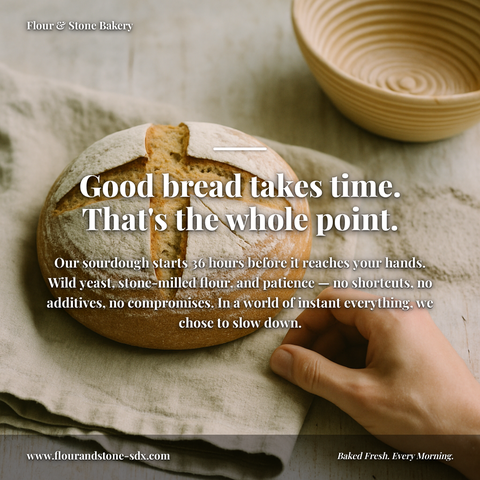
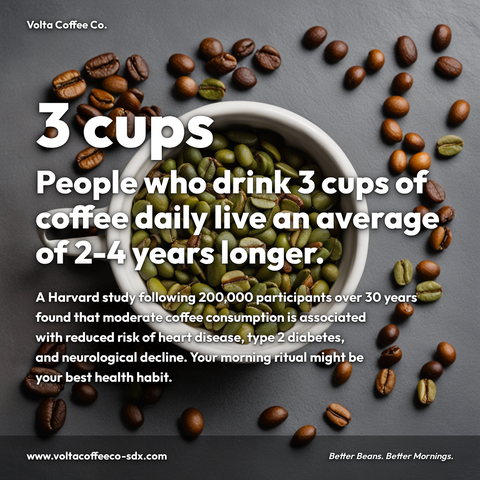
Branded carousels, graphics, and posts, tailored to your message.




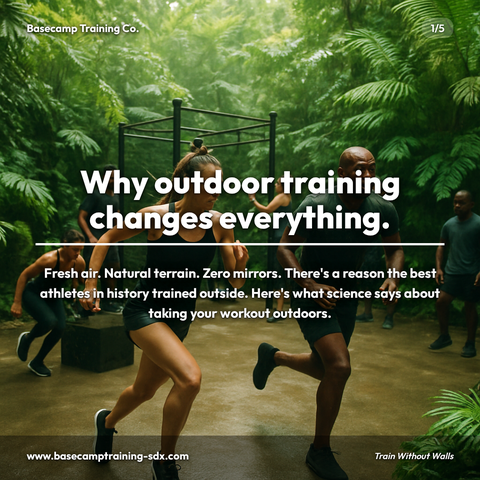
Carousels
5-slide branded PDF, ready to post on LinkedIn and social media.
Branded Graphics
Single eye-catching image with your brand colors and message.
Text Posts
Thought leadership copy, ready to paste and publish.
What is Google Business Profile Posting social media content?
Google Business Profile Posting content on LinkedIn refers to carousels, graphics, and thought leadership posts that educate an audience on this subject in a visually branded format. Keep your business listing fresh with branded weekly posts you review and publish. Publishing consistent content on this topic builds authority with the audiences who care about it most, increasing profile visibility and inbound opportunities over time. LinkedIn carousels (multi-slide swipeable PDFs) are particularly effective for educational topics, allowing complex ideas to be broken into digestible slides. Zvario generates branded google business profile posting content in under 2 minutes from a single topic description, complete with captions.
Why GBP Posts Matter for Local Search
Your Google Business Profile appears in Google Maps and local search results. Profiles that post regularly signal to Google that the business is active — which influences how prominently you appear when nearby customers search for what you offer. Most businesses know they should post but don’t do it consistently. That creates an opportunity for the businesses that do.
The Consistency Problem
Posting to Google Business Profile once and stopping is the most common pattern. Life gets busy. Zvario fixes the hard part by generating a fresh branded graphic for your listing on your chosen schedule, tailored to your business: your colors, your name, your type. You look it over and publish it, so keeping your profile current takes a minute a week instead of an afternoon.
Set It Up Once, Stay Current
Connect your Google account, select your business location, and choose a weekly posting day. Zvario generates the content and adapts it to Google’s preferred image format. You review each post and send it to your listing, so what customers see is always something you approved.
What you can create
- Restaurants and cafes sharing weekly specials or menu features
- Law firms and accountants highlighting expertise and services
- Dental and medical practices posting wellness tips
- Real estate agents promoting listings or market updates
- Hair salons and spas sharing seasonal promotions
- Home service businesses posting before-and-after work
- Retail stores announcing sales, arrivals, and events
- Local professionals keeping profiles active between busy seasons
Sample topics to get started
Frequently asked questions
How often should I post to Google Business Profile?
Google recommends posting at least weekly. Businesses that post weekly consistently signal activity to Google, which can improve how prominently they appear in Google Maps and local search results. Zvario keeps a fresh branded post ready on the schedule you set, so weekly is realistic.
Will the posts look generic?
No. Zvario uses your brand colors, business name, and business type to generate posts that look designed specifically for your business. The content is written and designed around your context, not a one-size-fits-all template.
What happens to old posts?
Zvario removes the previous week’s post when you publish the new one, keeping your profile clean and showing only current content. You don’t need to delete old posts by hand.
Do I need technical knowledge to set this up?
No. You connect your Google account, pick your business location from a list, set a day and time, and you’re done. The whole setup takes under 5 minutes and requires no technical knowledge or special permissions beyond access to your Google Business Profile.
Can I post to Google Business Profile outside my weekly slot?
Yes. You can create a branded graphic at any time and post it directly to your Google Business Profile from the generation view in My Content. Weekly posts and one-off posts work side by side.
What is the fastest way to create content on this topic?
Enter the topic and Zvario returns a finished, branded carousel, graphic, or post in about a minute. You review, adjust wording if you want, and publish.
Is there a free way to try it?
Yes. Zvario gives you 5 free creations with no credit card. Ongoing use is $19.95 a month on Starter for up to 80 creations a week, or $39.99 a month on Pro for up to 130 plus one-click posting.
Explore More
Start posting to your Google Business Profile
Try it free — no credit card needed.
Start FreeFree to start. See plans and pricing