
LinkedIn Content for Designers & Creatives
Your design work deserves an audience — LinkedIn carousels are the best format for showcasing creative thinking.
Start FreeFree to start. See plans and pricing
See what Zvario creates
Branded carousels, graphics, and posts, tailored to your message.
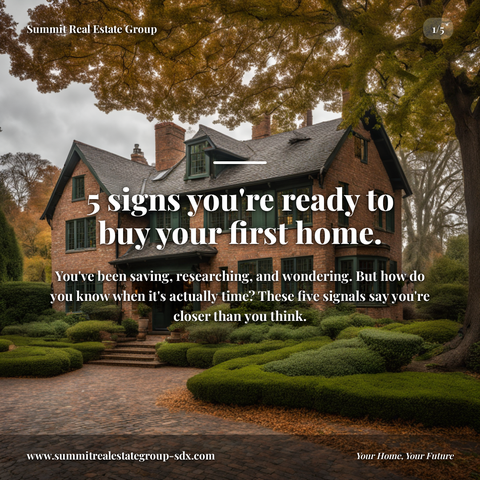
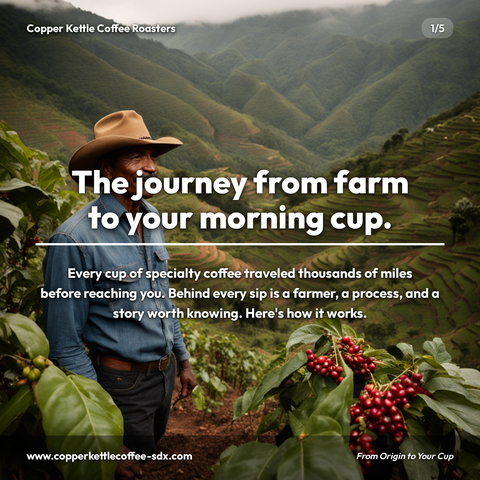

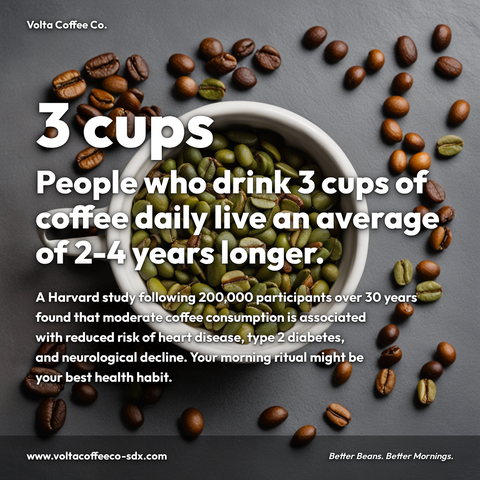

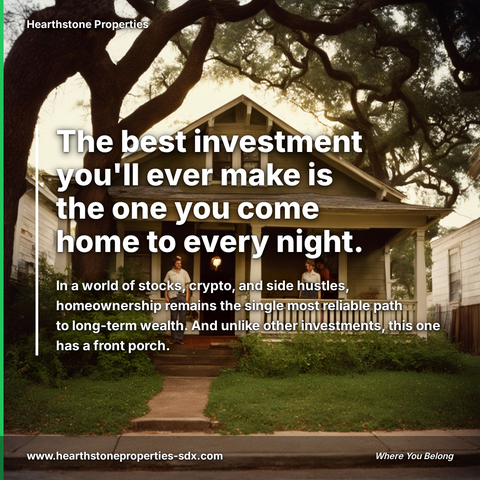
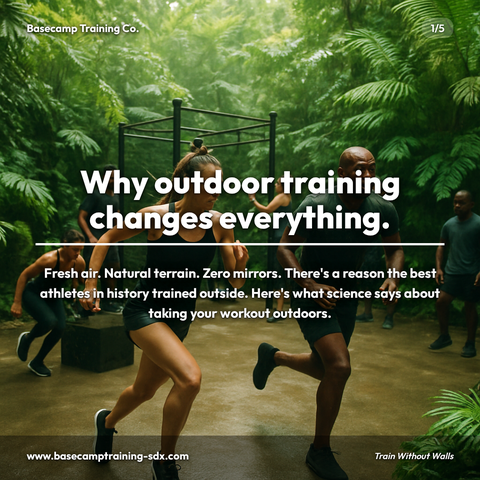
Carousels
5-slide branded PDF, ready to post on LinkedIn and social media.
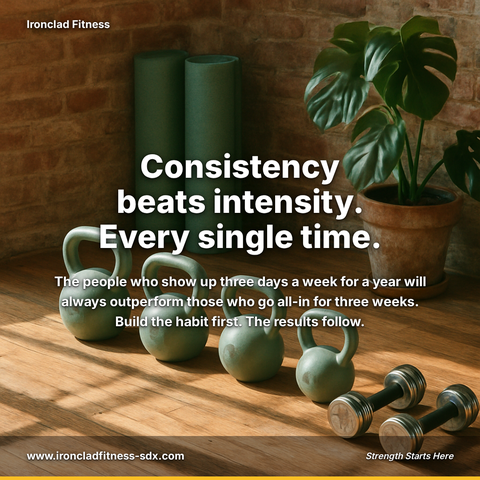
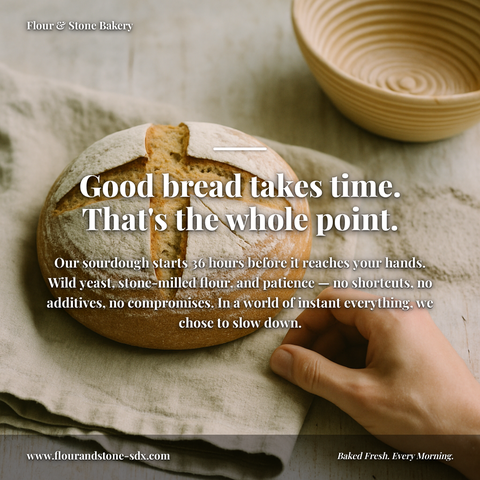
Branded Graphics
Single eye-catching image with your brand colors and message.
Text Posts
Thought leadership copy, ready to paste and publish.
What is Designers & Creatives on LinkedIn social media content?
Designers & Creatives on LinkedIn social media content refers to strategic posts that showcase your design expertise, creative process, and industry insight to build professional authority and attract clients or career opportunities. This matters because potential clients and employers make hiring decisions based on demonstrated competency, sharing your design thinking publicly establishes you as a thought leader rather than just a service provider. LinkedIn carousels make room for the detail a single graphic has to leave out, making them ideal for breaking down your design decisions, analyzing trending work, or presenting before-and-after case studies that prove your impact. The best-performing content reveals your methodology: how you translated a client brief into a solution, which design principles guided your choices, or what makes competitor work effective. This approach builds both authority and portfolio visibility simultaneously. Rather than spending hours designing posts manually, Zvario generates this content in under 2 minutes from a single topic, allowing you to maintain consistent visibility without sacrificing design time.
Why consistent LinkedIn content matters for designers & creatives
LinkedIn's algorithm rewards consistent, high-quality content with compounding reach. A single carousel from a designer or creative can generate thousands of impressions per week — the equivalent of months of cold outreach. The professionals who post regularly don't just build audiences; they build reputations that generate inbound opportunities without asking. For creatives competing in crowded markets, visibility compounds faster than any portfolio alone.
Establish thought leadership through frameworks and methodologies
Designers and creatives who share their process — not just their finished work — position themselves as authorities. Posts that articulate your design philosophy, explain your decision-making framework, or break down your creative approach demonstrate depth that clients and collaborators notice. When you teach what you know, you attract ideal clients who already understand your value before reaching out.
Generate inbound leads without constant self-promotion
The most effective LinkedIn strategy for creatives focuses on education and insight, not portfolio links. When you consistently share lessons learned, case study breakdowns, or industry trends, decision-makers follow because you're providing value. This trust translates directly into inbound inquiries, collaboration requests, and referrals — all without explicit sales pitches that audiences scroll past.
Carousels and visuals that reflect your brand, not templates
The highest-performing LinkedIn content for designers and creatives shares genuine insights, challenges conventional wisdom, or teaches something specific and actionable. Generic motivational quotes underperform because they don't reflect your unique perspective. Zvario generates content tailored to your brand voice, design specialization, and professional background — so every post reads as authentic expertise rather than recycled advice.
Build credibility faster through consistent, strategic posting
Inconsistent posting sends a weak signal; consistent posting builds credibility exponentially. A designer or creative who posts twice weekly for six months develops a demonstrable track record of thought leadership that influences hiring decisions, client selection, and partnership opportunities. The compounding effect of regular content means your professional reputation grows in ways that portfolio sites alone cannot achieve.
What you can create
- Design principles carousels that break down your decision-making process for a recent project
- Critique-style posts analyzing other designers' work and what makes it effective
- Before-and-after case studies showing how your process transforms client briefs into solutions
- Trend forecasting posts that position you as forward-thinking in your design discipline
- Common design mistakes posts that offer actionable fixes your audience can apply immediately
- Behind-the-scenes content showing your workflow, tools, and creative environment
- Framework posts outlining your UX/UI/branding/motion methodology that others can learn from
- Myth-busting content challenging dated design practices or client misconceptions in your niche
Sample topics to get started
Frequently asked questions
What kind of LinkedIn content actually works for designers and creatives?
Carousels that teach your design methodology, break down real projects, or challenge industry misconceptions consistently outperform generic inspiration posts. For creatives, content that draws on genuine professional experience — frameworks you use, lessons learned from client work, patterns you've observed — resonates with both peers and potential clients because it demonstrates concrete expertise.
How does Zvario tailor content specifically to my design practice?
During onboarding, you describe your design discipline (UX/UI, branding, motion, illustration, etc.), your audience, the projects you're proud of, and your professional perspective. Zvario generates every carousel and post with that context built in — using your terminology, reflecting your actual process, and showcasing your unique voice. You're not editing a generic template; you're getting strategically written content designed for your specific expertise.
How often should I post on LinkedIn as a designer or creative?
Two to three times per week is the sweet spot for building consistent visibility without burning out. LinkedIn's algorithm rewards frequency, and this cadence keeps your expertise in front of your audience without requiring daily content creation. Zvario helps you maintain this rhythm by generating multiple post ideas at once, so you can batch your content and stay consistent even during busy project cycles.
Can Zvario help me showcase my work without turning posts into portfolio spam?
Yes — the key is framing your work around the insight or lesson, not the deliverable itself. Zvario generates posts that use your case studies, projects, and client work as vehicles for teaching something valuable. This approach keeps your work visible while positioning you as someone who can explain your process, not just show pretty screenshots.
How do I know if my LinkedIn content strategy is actually working?
Track engagement rates, follower growth, and inbound messages over 4-6 weeks. For designers and creatives, the real metric is quality inquiries — if you're getting DMs from potential clients, collaborators, or speaking opportunities who mention your posts, your strategy is working. Zvario's content is designed to attract the right audience, so you should see an uptick in meaningful conversations, not just vanity metrics.
How can I post consistently without a design background?
Enter a topic and Zvario returns finished, branded content you can post as is. Consistency stops depending on design skill or free time, which is the usual reason posting slips.
What does it cost to get started?
Zvario is free for your first 5 creations with no credit card. Starter is then $19.95 a month for up to 80 creations a week, and Pro is $39.99 a month for up to 130 plus one-click posting. You can prove it works on real content before paying.
Explore More
Start building your LinkedIn presence today
Try it free — no credit card needed.
Start FreeFree to start. See plans and pricing