
LinkedIn Carousel Templates for Career Coaches
Polished LinkedIn carousels designed for career coaches — so you can educate clients, build credibility, and grow your business without spending hours on content.
Start FreeFree to start. See plans and pricing
See what Zvario creates
Branded carousels, graphics, and posts, tailored to your message.

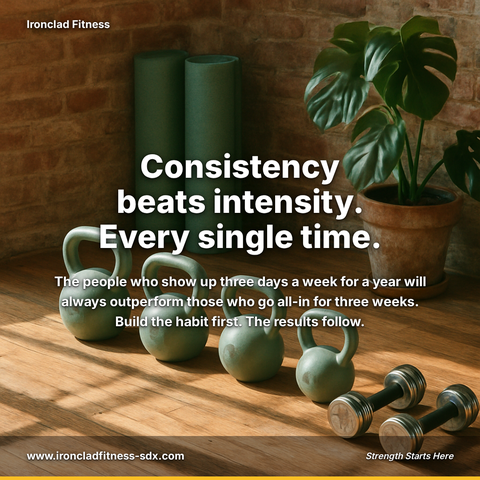
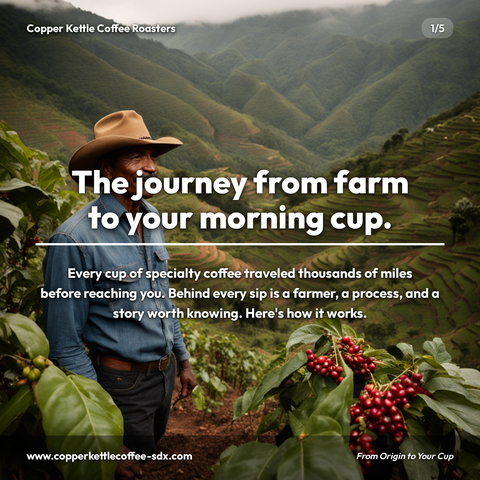
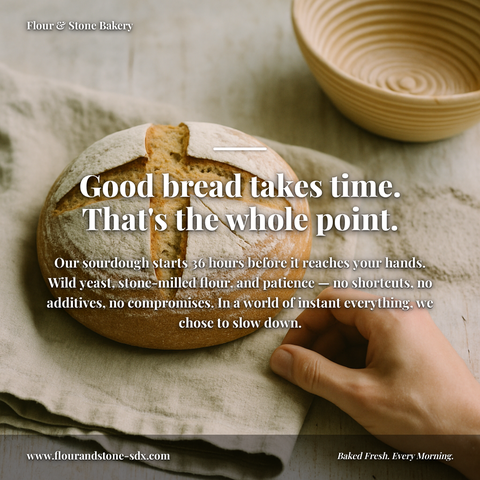

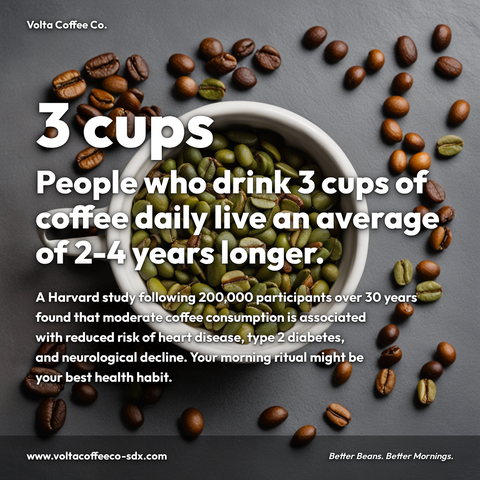


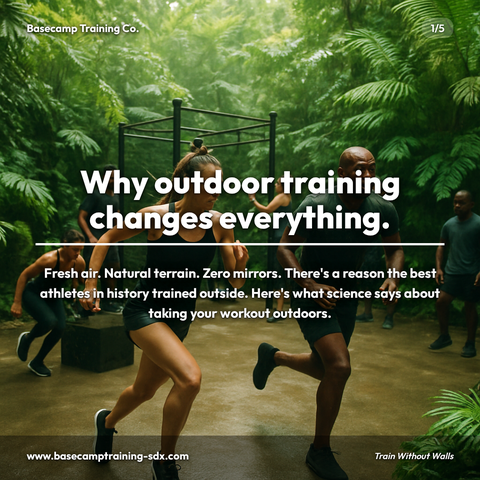
Carousels
5-slide branded PDF, ready to post on LinkedIn and social media.
Branded Graphics
Single eye-catching image with your brand colors and message.
Text Posts
Thought leadership copy, ready to paste and publish.
What is Career Coaches Carousel Templates social media content?
Social media content for Career Coaches Carousel Templates refers to pre-designed, polished LinkedIn carousel posts that help career coaches educate clients, demonstrate expertise, and attract new business without investing hours in content creation. This matters because career coaches need credible, professional content to establish authority, build trust with prospects, and keep clients engaged, yet most lack design skills or time to produce consistent, high-quality posts. LinkedIn carousels leave a reader with something worth keeping, making them essential for growing visibility and attracting ideal clients. These templates typically cover resume optimization (before-and-after breakdowns by section), interview preparation frameworks (STAR method, behavioral questions, follow-ups), and LinkedIn profile makeovers (improvement tips section-by-section). With Zvario, career coaches can customize these templates to match their voice and brand while maintaining polish and professionalism. Rather than designing from scratch, coaches can leverage ready-made carousel templates and focus on their core business. Zvario generates this content in under 2 minutes from a single topic.
Why carousels are the best format for career coaching content
LinkedIn carousels slow a reader down for the length of an explanation. For career coaches, that multi-slide format is ideal — you can walk a reader through a resume fix, an interview framework, or a job search strategy step by step. Each slide delivers one focused point, matching how coaching advice is naturally structured.
Carousel structures that work for coaching topics
The most effective coaching carousels follow clear patterns: listicles (5 resume mistakes), problem-solution (common interview failures and fixes), myth-busting (what hiring managers actually think), and step-by-step frameworks (how to negotiate salary). Zvario randomly selects from six proven structures so your content varies in format even when you post frequently.
How Zvario builds carousels for career coaches
Enter any coaching topic — resume writing, interview prep, career transitions, networking — and Zvario generates a 5-slide branded carousel with headlines, body text, a hook slide, and a call-to-action slide. Your coaching brand colors, name, and audience focus are built into every slide automatically. The output includes captions and hashtags ready for posting.
Building authority through consistent carousel content
A single carousel can reach thousands of professionals. But the real impact comes from consistency — posting carousels weekly builds a library of coaching content that compounds in visibility. Potential clients who encounter multiple carousels from you over several weeks are far more likely to book a session than those who see a single post.
Create your first coaching carousel now
Sign up free with your coaching website. Zvario captures your brand identity, coaching niche, and target audience in about two minutes. Enter a topic like 'how to handle the salary question' and get a finished 5-slide carousel delivered as a PDF in under 60 seconds. Five free carousels included, no credit card required.
What you can create
- Resume optimization carousels showing before-and-after examples by section
- Interview prep framework carousels covering STAR method, behavioral questions, and follow-up
- LinkedIn profile makeover carousels with section-by-section improvement tips
- Career pivot planning carousels mapping the transition from one industry to another
- Salary negotiation step-by-step carousels covering research, framing, and counter-offers
- Job search tracker carousels helping clients organize applications and networking efforts
- Personal branding carousels teaching clients how to communicate their professional value
- Industry-specific job market trend carousels for tech, finance, healthcare, or consulting
Sample topics to get started
Frequently asked questions
How many slides does each carousel have?
Each Zvario carousel has 5 slides — a hook slide to stop the scroll, 3 content slides delivering your advice, and a call-to-action slide. This structure is optimized for LinkedIn engagement. Connect your LinkedIn account once and publishing takes one click: open the finished carousel, look it over, pick your platforms, and send, caption included. Nothing is published until you send it. Prefer to post by hand? The carousel also comes as a single PDF you can upload to LinkedIn as a document post.
Can I customize the carousel text before posting?
Yes. Paid users can edit any slide's headline and body text, then re-render the carousel instantly at no additional cost. This lets you fine-tune specific advice points, adjust language to match your coaching style, or add client-specific details while keeping the professional design intact.
Will the carousels look different from each other?
Yes. Zvario uses 12 visual themes and 6 carousel structures. Each generation randomly selects a theme and structure combination, so consecutive carousels have different visual styles and content formats. This variety keeps your feed looking fresh even when you post carousels frequently.
Can I create carousels for specific coaching niches like executive or tech?
Absolutely. Your brand profile captures your coaching specialization, and the topic you enter determines the content focus. A carousel on 'preparing for a CTO interview' produces very different content from 'your first job search after college.' Zvario adapts to whatever niche and topic you provide.
How long does it take to create a carousel?
About 60 seconds from topic entry to finished PDF. Zvario generates the content, designs all 5 slides with your branding and an AI background image, and delivers the PDF to your dashboard and email. Compare that to 30-60 minutes of writing and designing in a template tool.
Explore More
Create your first career coaches carousel today
Try it free — no credit card needed.
Start FreeFree to start. See plans and pricing