
The Best Canva Alternative for Freelancers
Canva is a design tool. Zvario is a content engine built specifically for independent professionals who want LinkedIn carousels, branded graphics, and posts without spending hours designing from scratch.
Start FreeFree to start. See plans and pricing
See what Zvario creates
Branded carousels, graphics, and posts, tailored to your message.

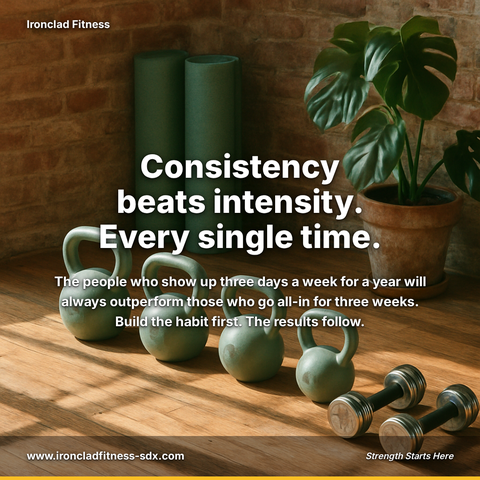
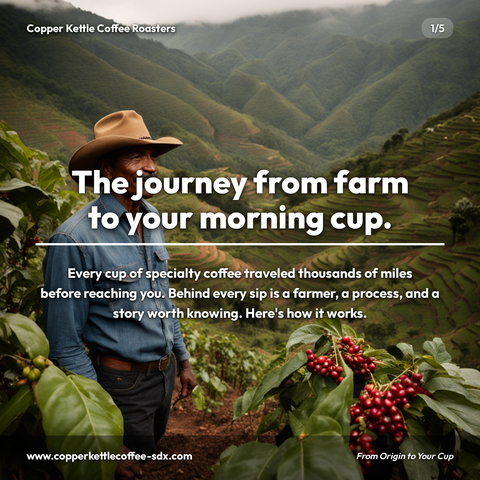
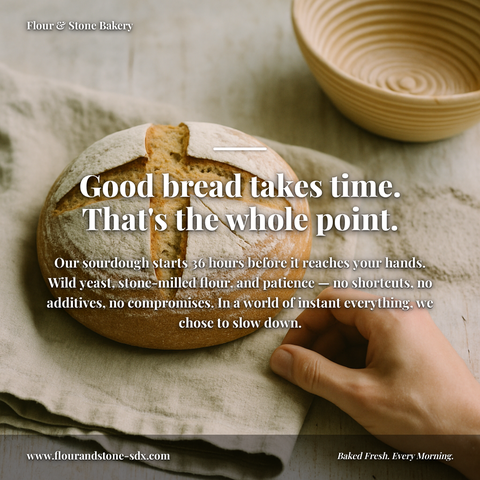

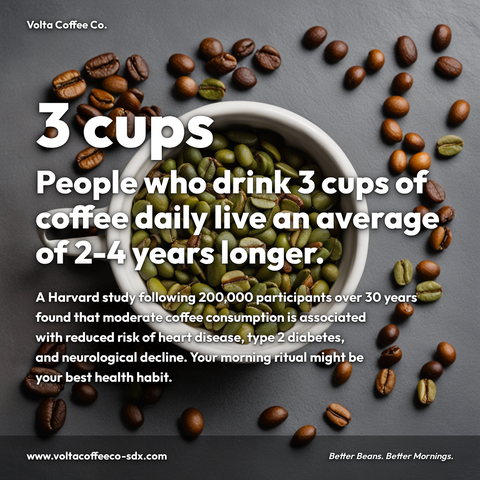

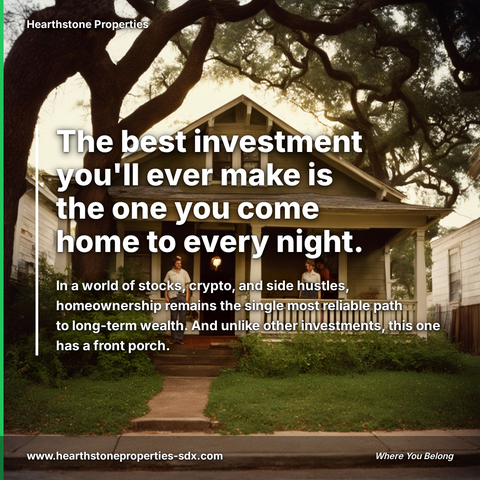
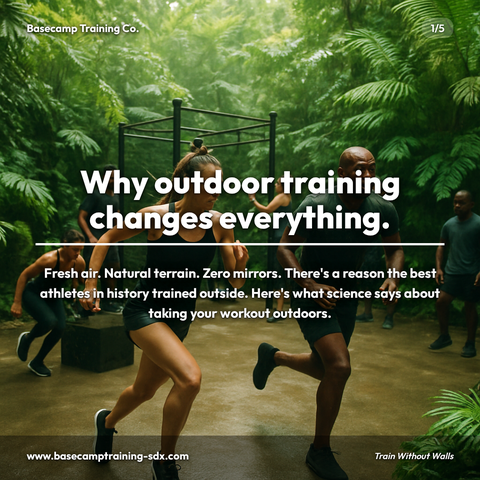
Carousels
5-slide branded PDF, ready to post on LinkedIn and social media.
Branded Graphics
Single eye-catching image with your brand colors and message.
Text Posts
Thought leadership copy, ready to paste and publish.
What is Canva Alternative for Freelancers social media content?
Social media content for Canva Alternative for Freelancers refers to professionally designed, branded graphics and posts created specifically for independent professionals who need consistent visual content without design expertise or time investment. This matters because freelancers and consultants compete on authority and trust, LinkedIn carousels take a reader from question to answer without losing them, making strategic visual content essential for attracting high-value clients and establishing thought leadership. Rather than spending hours in design tools like Canva, freelancers need templated solutions that automatically incorporate their brand colors, service offerings, case study metrics, and professional positioning. The most effective content for this audience includes LinkedIn carousel posts showcasing core services with pricing and results, weekly case study graphics highlighting client wins with testimonials, and thought leadership posts formatted with branded templates and professional headshots. Zvario generates this content in under 2 minutes from a single topic, eliminating the design bottleneck entirely.
What design tools miss for freelancers
Most design platforms force you to choose between two workflows: start with a blank canvas and design from scratch, or pick a template and customize it. Both approaches require you to handle content creation separately—writing copy, sourcing imagery, color-matching, and exporting for platform specifications. For freelancers juggling client work, business development, and content creation on limited time, this 30-60 minute per-post cycle becomes a bottleneck that often gets deprioritized. The result is inconsistent posting, generic-looking content, and missed visibility opportunities on platforms like LinkedIn where your network is actively looking for your expertise.
Why brand consistency matters for independent professionals
Your personal brand is your competitive advantage as a freelancer. Every post you publish trains your audience to recognize your visual style, your voice, and your areas of expertise. When content looks like it came from a template library that thousands of other professionals are using, it dilutes that recognition and makes it harder to stand out in crowded feeds. Brand consistency across color palettes, typography, logo placement, and messaging creates the psychological effect of scale—making a solo freelancer appear more established and trustworthy. Zvario embeds your brand identity into every asset it generates, so your LinkedIn carousels, graphics, and posts are unmistakably yours from the first frame.
How Zvario generates finished content in under 60 seconds
Instead of starting with a template library, Zvario starts with your business profile: your name, website, service offerings, target audience, and communication style. You describe what you want to post about—whether that's a recent client win, an industry insight, or professional advice—and Zvario generates the written content, chooses a design layout that matches your brand colors and logo, and produces a publication-ready asset simultaneously. The AI learns your voice from your inputs, ensuring the copy sounds like you, not a generic content generator. No design decisions to make. No export format confusion. No blank-page paralysis—just professional-grade content ready to publish or refine.
Building thought leadership without a content team
Thought leadership on LinkedIn requires consistent posting of insights that demonstrate your expertise and provide value to your network. Most freelancers recognize this but struggle with the execution—researching topics, outlining posts, designing visuals, and formatting everything for the platform takes time away from billable work. Zvario compresses this workflow by handling ideation support, writing, and visual production as a single step, so you can maintain a 2-3 post per week cadence without hiring a content manager or designer. This consistency builds credibility over time, making you the go-to professional in your niche and generating inbound inquiries from people who've watched your expertise develop through your feed.
Networking and lead generation through branded content batching
Many freelancers know they should batch-create content but lack the tools to make it efficient. Zvario enables you to batch-generate 10-20 posts in a single afternoon, pre-scheduled across your network for the month ahead. Because each piece is tailored to your brand and voice, the total output looks intentional and curated, not like automated spam. This consistent visibility increases the chances that prospects, referral partners, and collaborators see your work regularly, leading to more inbound conversations, partnership opportunities, and repeat client referrals—the most cost-effective form of business development for freelancers.
What you can create
- LinkedIn carousel posts on your 5 core service offerings, with each slide featuring your brand colors, pricing positioning, and a client success metric
- Weekly case study graphics that highlight a recent project outcome, complete with results metrics, your logo, and client testimonial callouts
- Personal thought leadership posts on industry trends, formatted as single-image posts with branded templates and your professional headshot
- Behind-the-scenes content showing your workflow, tools, or daily routine as a freelancer, with consistent branding across a 3-5 post series
- Educational tip sheets and checklists formatted as multi-slide carousels, with your branding making them shareable lead magnets
- Client testimonial and success story cards designed with your brand palette, ready to post and tag satisfied clients
- Monthly retrospective posts reviewing what you learned, projects completed, or client wins, packaged in a branded monthly recap template
- Networking introduction posts announcing new partnerships, collaborations, or speaking engagements, with co-branding elements and professional imagery
Sample topics to get started
Frequently asked questions
How does Zvario's brand tailoring actually work?
When you set up your Zvario profile, you provide your business name, website, service categories, target audience, and preferred tone of voice. Zvario uses this information to embed your brand identity into every generated asset—matching your color preferences, positioning your logo consistently, and ensuring the written content matches how you actually communicate. The brand tailoring gets smarter the more you use it, learning from your refinements and feedback to produce increasingly personalized content.
Can I use Zvario content across multiple platforms, or just LinkedIn?
Zvario is currently optimized for LinkedIn carousels, single-image posts, and story-format content. The generated assets work well across Instagram, Twitter, and email marketing as well—you can export and adapt them. Because they're generated with your specific brand tailoring (not generic templates), they maintain visual and voice consistency regardless of where you publish.
What happens if I want to edit or customize the content after it's generated?
All Zvario-generated content is editable before you publish. You can refine the copy, adjust the design elements, change the color emphasis, or swap the featured image. The editing interface is intentionally simple—no design skills required—so you can make tweaks in seconds. Most users publish what they get and edit only when a piece has to fit a specific circumstance.
How is Zvario different from using a design tool plus a content AI separately?
Using two separate tools requires you to write content in one platform, download it, then manually apply design in another—a process that introduces formatting errors, inconsistent branding, and takes 2-3 times longer. Zvario generates the written content, applies your brand identity, and produces a finished visual asset simultaneously. The result is coherent, branded, and publication-ready in under a minute, with your voice and visual identity integrated from the start.
Is there a learning curve, or can I start generating quality content immediately?
Most freelancers generate usable content on their first attempt. The initial setup (entering your business info and brand preferences) takes 5-10 minutes, and then you're ready to start describing what you want to post about. Zvario's interface is designed for non-designers—there are no layers, filters, or technical decisions. The learning happens naturally as you refine what works best for your audience, and your brand tailoring improves the more you use it.
Explore More
See why Freelancers choose Zvario over Canva
Try it free — no credit card needed.
Start FreeFree to start. See plans and pricing